

EU Ship
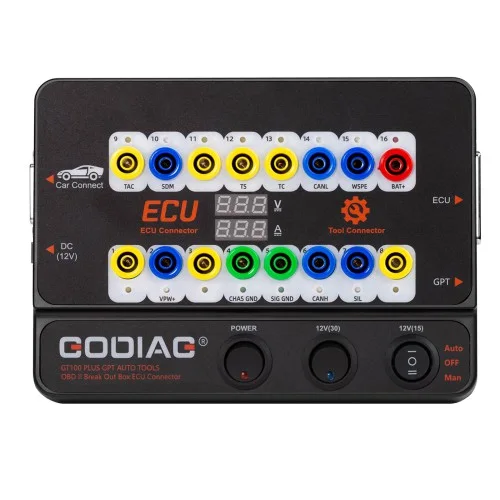
GT100 PLUS GPT
GODIAG GT100 PLUS GPT ENET DOIP 24V-12V AUTO TOOLS OBD II Break Out Box ECU Connector
$129.00
In stockNo reviews yet
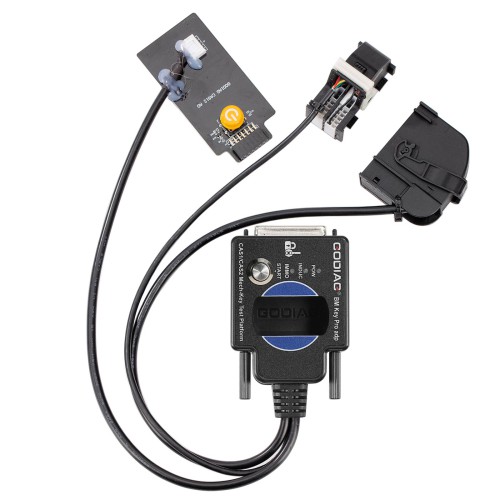
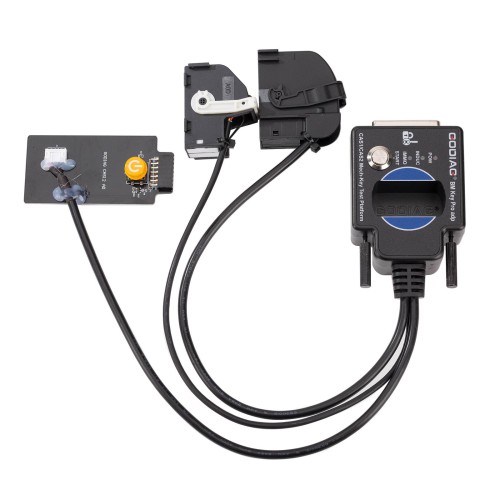
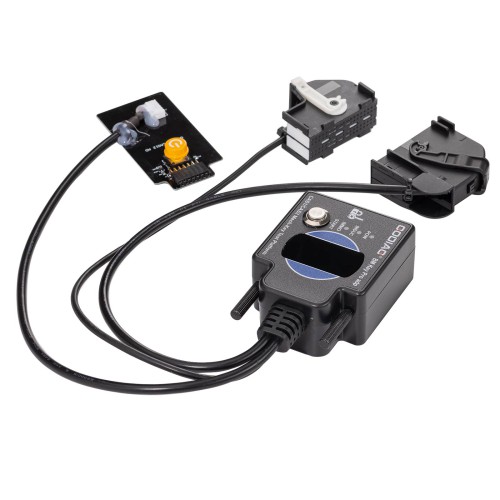
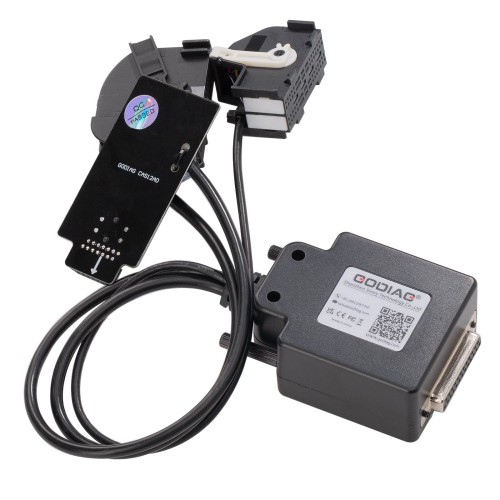
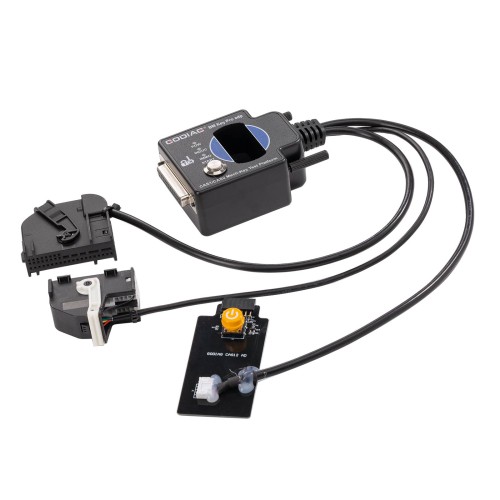
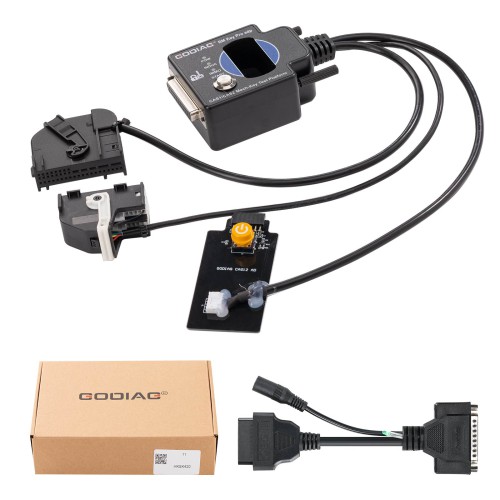
1) Dedicated BMW CAS1/CAS2 Test Platform – Specifically engineered for BMW locksmiths, maintenance engineers, and CAS1/CAS2 programming specialists.
2) Solder-Free Mechanical Key Matching – Enables solder-free matching of CAS1/CAS2 mechanical keys, eliminating risky soldering operations.
3) CAS & Key Synchronization Detection – Verifies whether the CAS module and mechanical key are properly synchronized with clear LED and buzzer feedback.
4) CAS Data Read/Write/Program – Supports full CAS data reading, writing, and programming for key data backup and module function judgment.
5) All Keys Lost & Key Addition – Performs all-keys-lost matching and key addition operations on the bench.
6) Wide Programmer Compatibility – Works with Xhorse Key Tool Plus, VVDI2, VVDI BIM Tool, Autel IM608, CGDI BMW, Lonsdor, and OBDSTAR devices.
7) Complete Package – Includes CAS1/CAS2 test platform, connection cables, and power supply – ready for immediate professional use.
Important: This platform supports mechanical keys only. It does not support semi-intelligent smart key CAS2 and cannot be used with diagnostic equipment or with GT100 / GT100+.
GODIAG BMW CAS1/CAS2 Mech-Key Test Platform Detect CAS & Key Synchronization Solder-free Matching CAS Data Read, Write and Program
GODIAG BMW CAS1/CAS2 Mech-Key Test Platform is a dedicated device developed for BMW locksmiths, maintenance engineers, and CAS1/CAS2 programming engineers.
GODIAG CAS1 CAS2 SER BMW Mech-Key Test Platform
GODIAG BMW CAS1/CAS2 Mech-Key Test Platform is a dedicated device developed for BMW locksmiths, maintenance engineers, and CAS1/CAS2 programming engineers. It can cooperate with key programming devices such as Xhorse Key Tool Plus Pad, Xhorse VVDI2, BMW VVDI BIM Tool, Autel IM608, CGDI BMW, Lonsdor devices, OBDSTAR devices, etc., to perform all-keys-lost matching or key addition operations. Please note that this product is only suitable for mechanical keys.
Note: GODIAG BMW CAS1/CAS2 Mech-Key Test Platform does not support semi-intelligent smart key CAS2 and cannot be used with diagnostic equipment or with GT100, GT100+. If necessary, please purchase a semi-intelligent smart key detection platform for the semi-intelligent smart key CAS2.
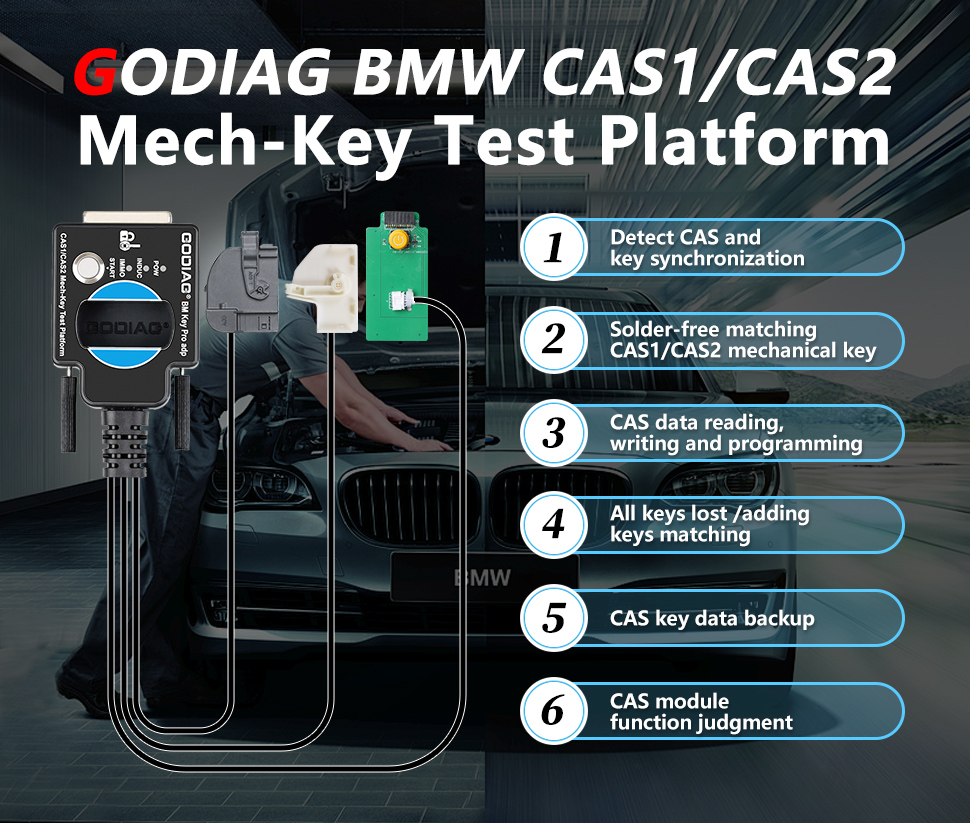
GODIAG CAS1 CAS2 Test Platform Features:
1. Detect CAS and key synchronization.
2. Solder-free matching CAS1/CAS2 mechanical key.
3. CAS data reading, writing, and programming.
4. All keys lost / adding keys matching.
5. CAS key data backup.
6. CAS module function judgment.
GODIAG CAS1 CAS2 Test Platform Functions:
1. Check if the CAS1/CAS2 module and mechanical keys are synchronized.
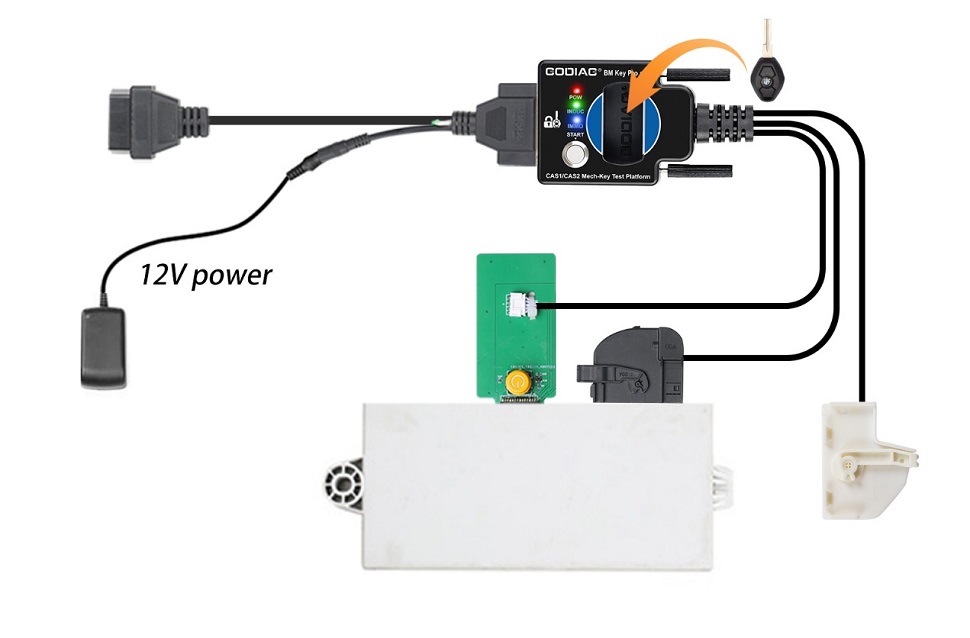
2. Cooperate with key programming devices such as Xhorse Key Tool Plus Pad, Xhorse VVDI2, BMW VVDI BIM Tool, CGDI BMW, Lonsdor devices, etc., to perform all-keys-lost matching or key addition operations.
3. CAS1/CAS2 module diagnostics.
4. CAS1/CAS2 module programming.
Synchronous Detection of Module and Key:
Check whether the CAS2 module and mechanical key can be synchronized:
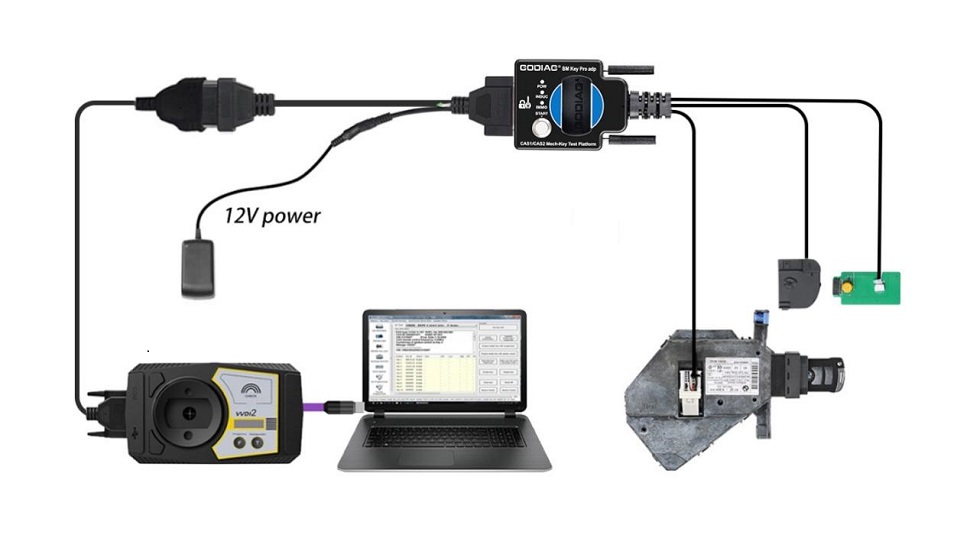
Step 1: Connect the CAS2 module according to the connection diagram.
Step 2: Put the key into the key sensing area.
Step 3: Connect the power supply.
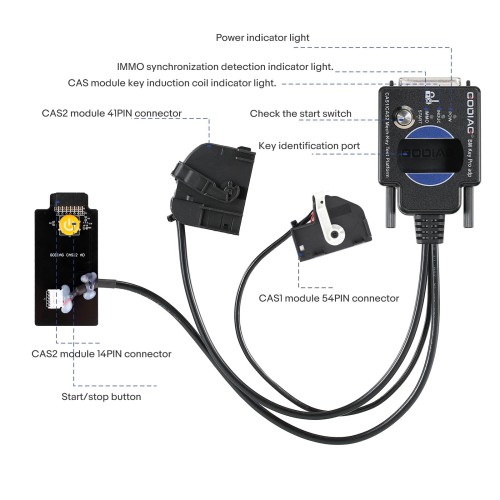
Step 4: Press the start switch (press the start switch once to turn on the CAS power and automatically detect whether the key and CAS are synchronized; press it again to turn off the CAS power and turn off the detection).
Synchronization Judgment Method:
When the detection start switch is pressed, the Power indicator light will light up. If the key is synchronized with CAS2, the CAS module key induction coil indicator light will flash regularly. If it is an unsynchronized key, the key induction coil indicator light will only flash quickly for 2 seconds. If the key is synchronized with the CAS module, the IMMO synchronization detection indicator light will light up and the internal buzzer of the machine will sound. If the key is not synchronized with the CAS module, the IMMO synchronization detection indicator light will not light up and the internal buzzer of the machine will not sound.
Step 5: Press and hold the analog start/stop button, the IMMO synchronization detection indicator light will go out after 3 seconds. The INDUC sensor indicator light also goes out. After releasing, the IMMO synchronization detection indicator light will light up. The INDUC sensor indicator light flashes.
CAS1 Module and Key Synchronization Detection:
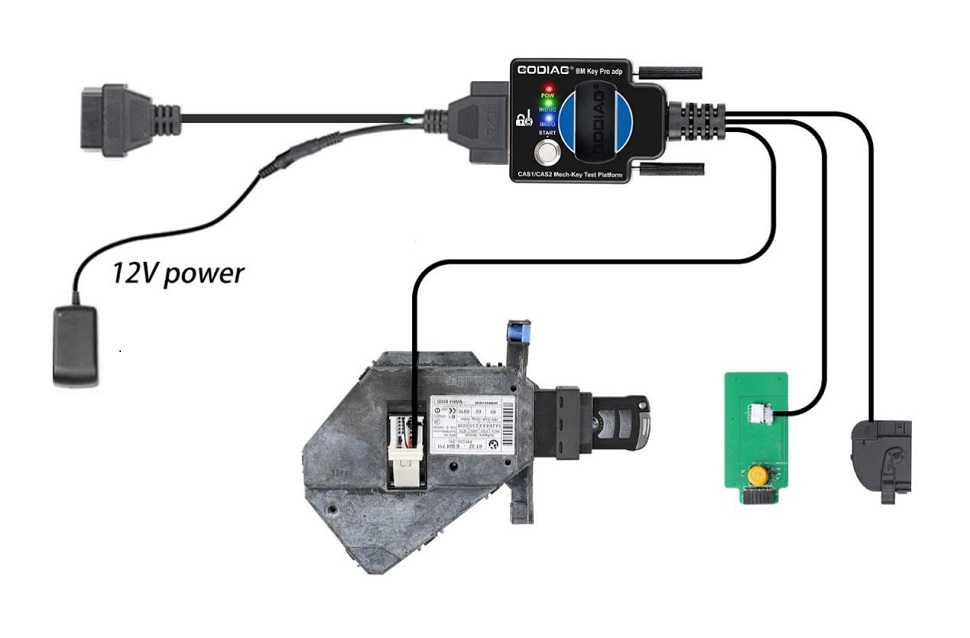
1. Connect the device according to the connection diagram. Please use 12V 2.5A for power supply, otherwise the CAS1 module cannot be driven. [Do not connect the CAS2 module]
2. Press the start switch (you can see the START-STOP indicator light on the CAS lights up).
3. Insert the key into CAS1.
4. Press the CAS1 key. If the key is synchronized with the CAS1 module, the CAS1 key will be locked. It will automatically exit if the key is not synchronized.
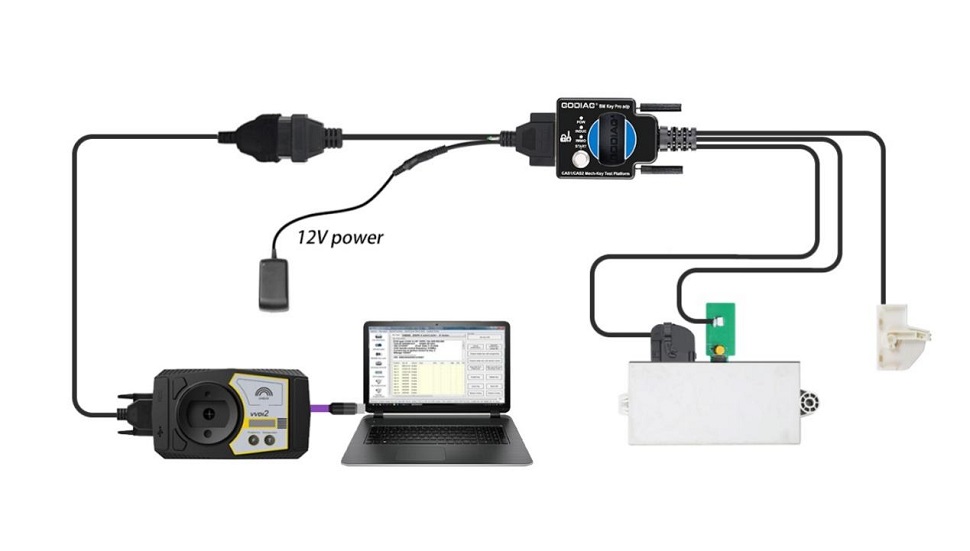
CAS2 Mechanical Key Module Key Programming and Module Programming Identification Diagnostic Connection Demonstration:
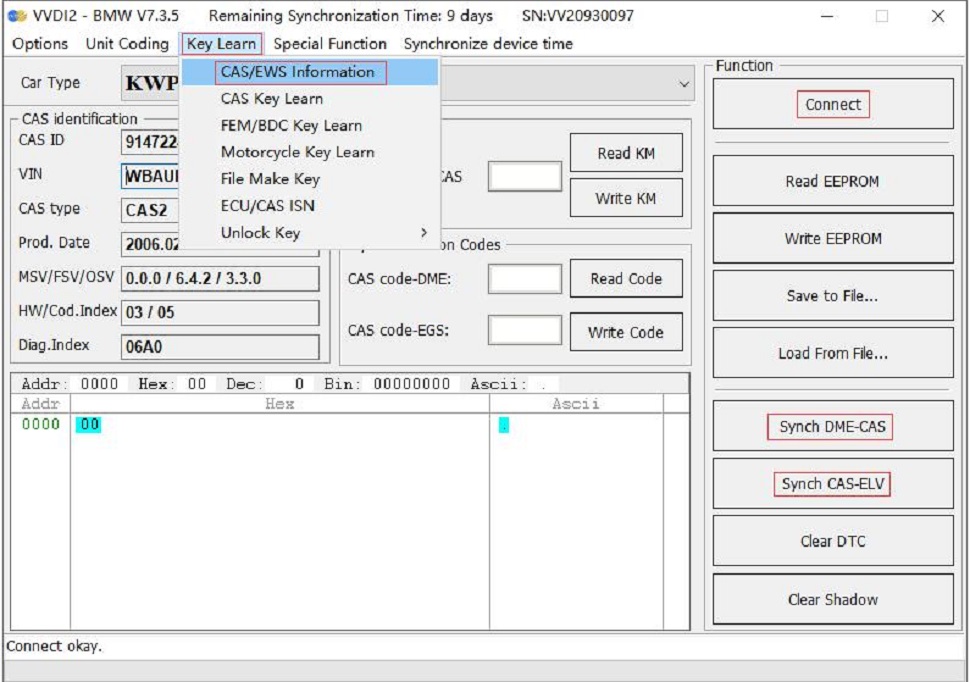
The following uses the Xhorse VVDI2 device to perform BMW CAS2 mechanical key programming and matching operations:
1. Connect the CAS2 mechanical key module and key programming diagnostic equipment according to the connection diagram. Press the start button to provide power to CAS2.
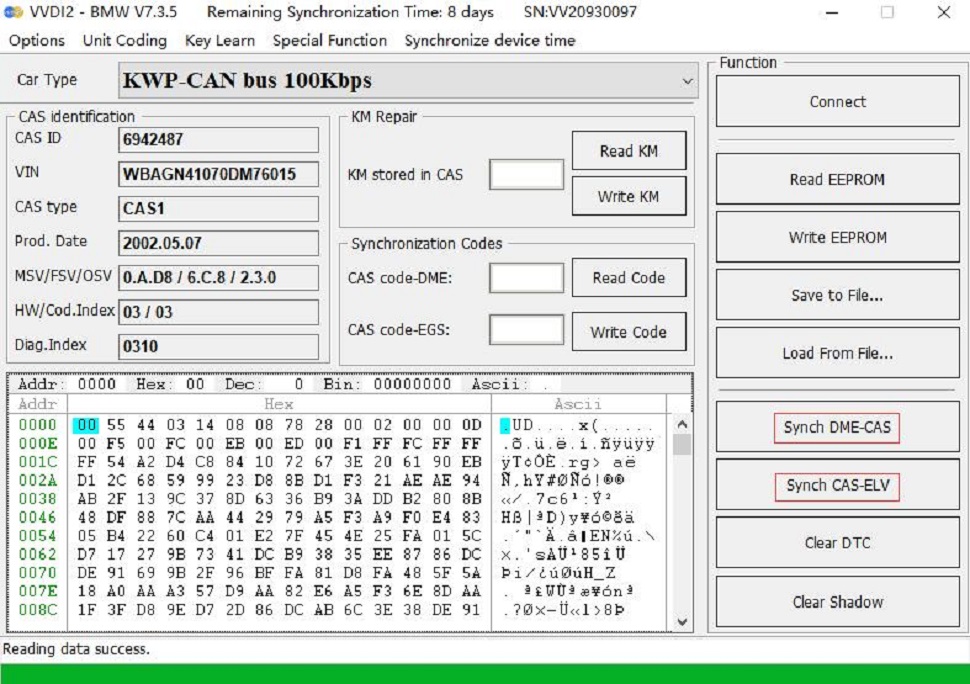
2. Select "key learn — CAS/EWS Information — Connect — Read EEPROM".
[Note: Take away the key and do not perform synchronization detection between the key and the CAS2 module before connecting to read data. Just press the start button to power the CAS module. If the CAS module detects a synchronized key, then the connected device cannot read the data.]
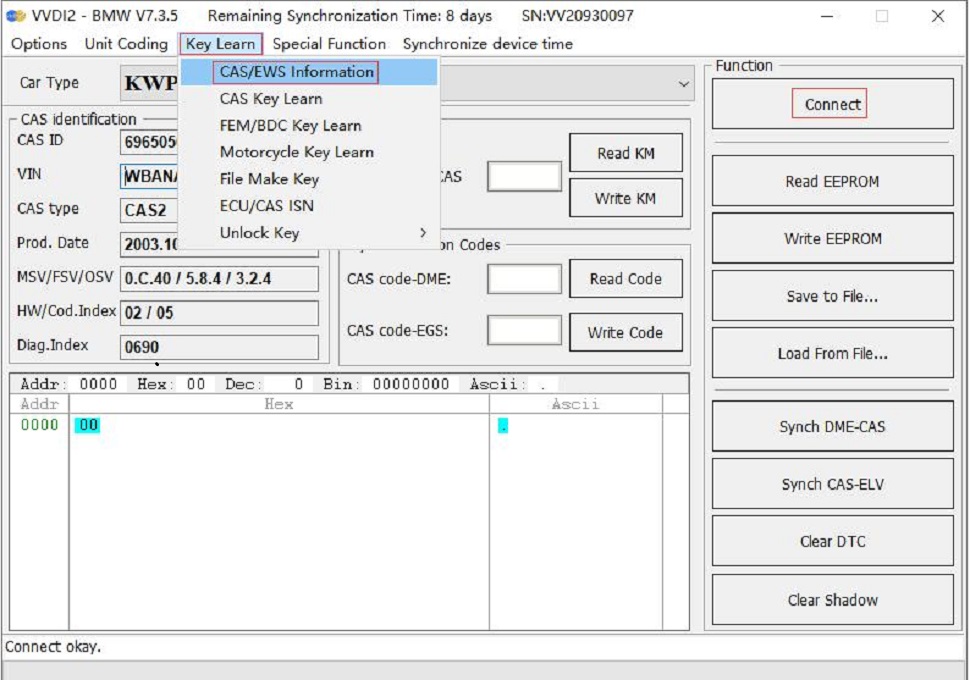
Save to File...
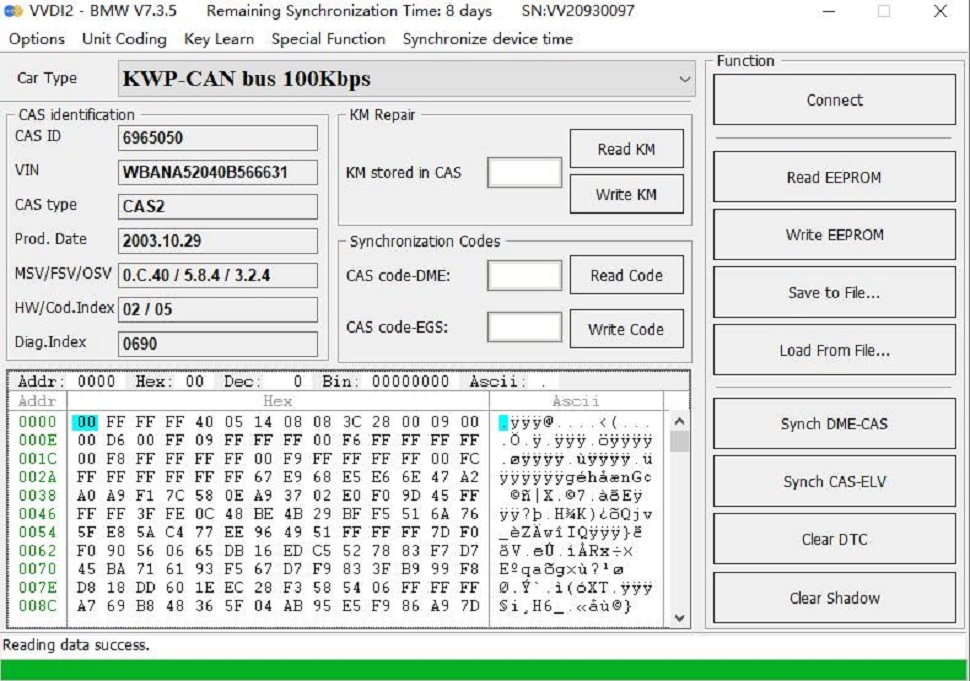
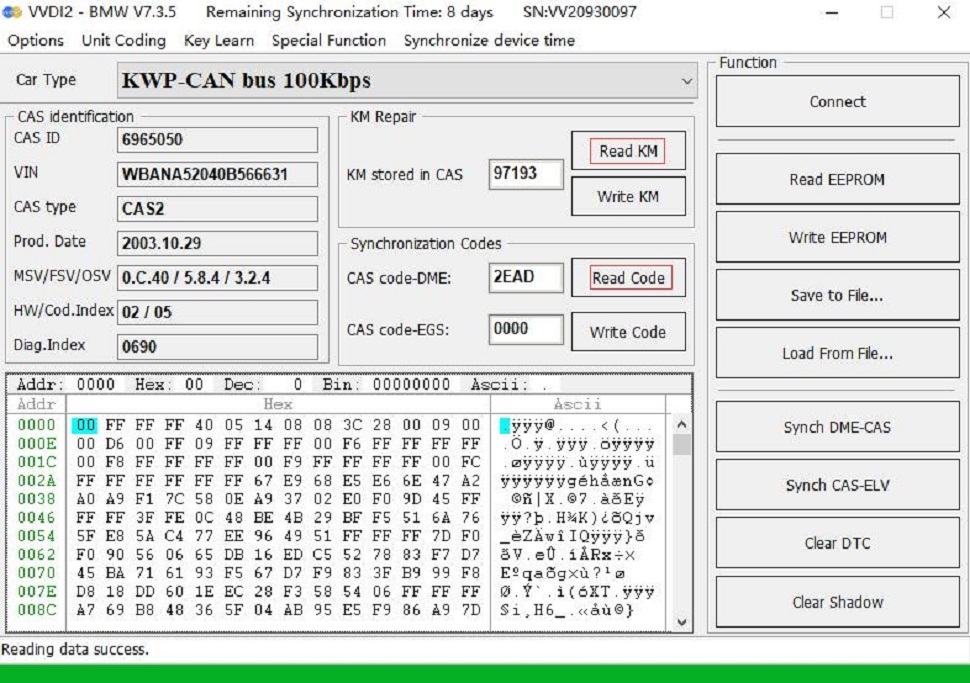
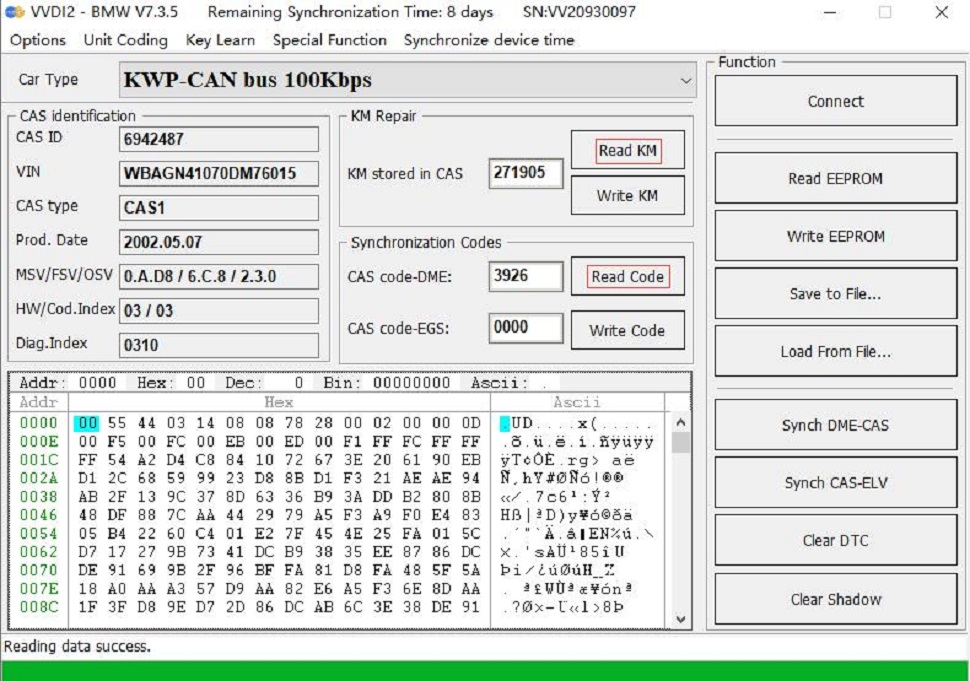
If you want to read the CAS mileage or modify the CAS mileage, please operate the corresponding menu "Read KM". It can also read CAS code-DME.
3. Key programming steps: select "key learn — CAS Key Learn — Connect", select "Get Key Info" and "Save Key Info".
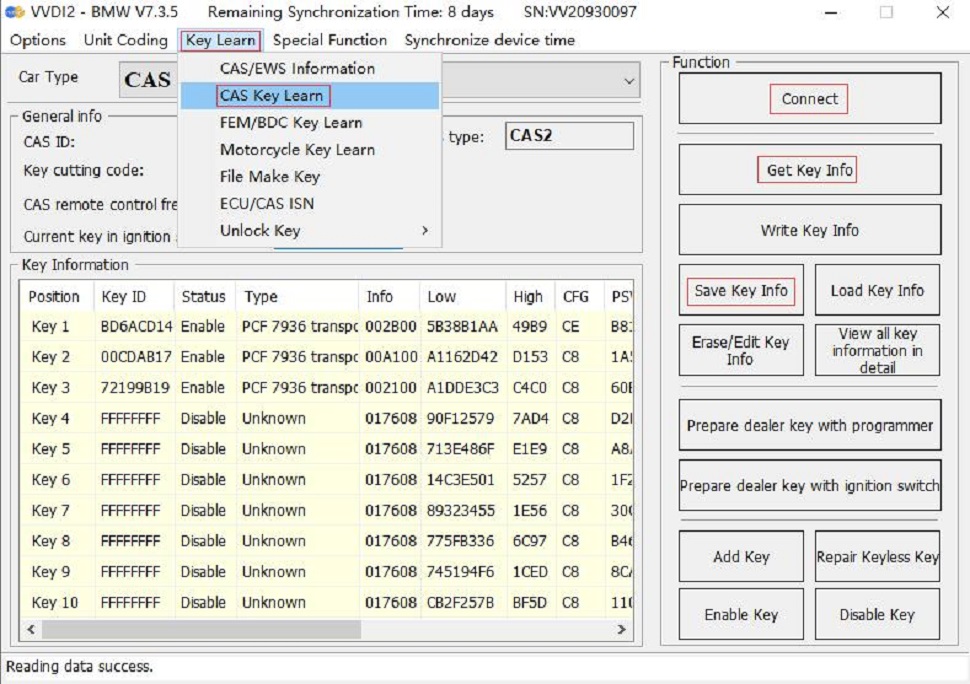
4. Select an unused key position, be sure to select the "prepare dealer key with programmer" menu, and use the VVDI2 key programmer to generate the key. If the key is placed in the key sensing area of the GODIAG BMW CAS1/CAS2 Mech-Key Test Platform, the dealer key will not be generated.
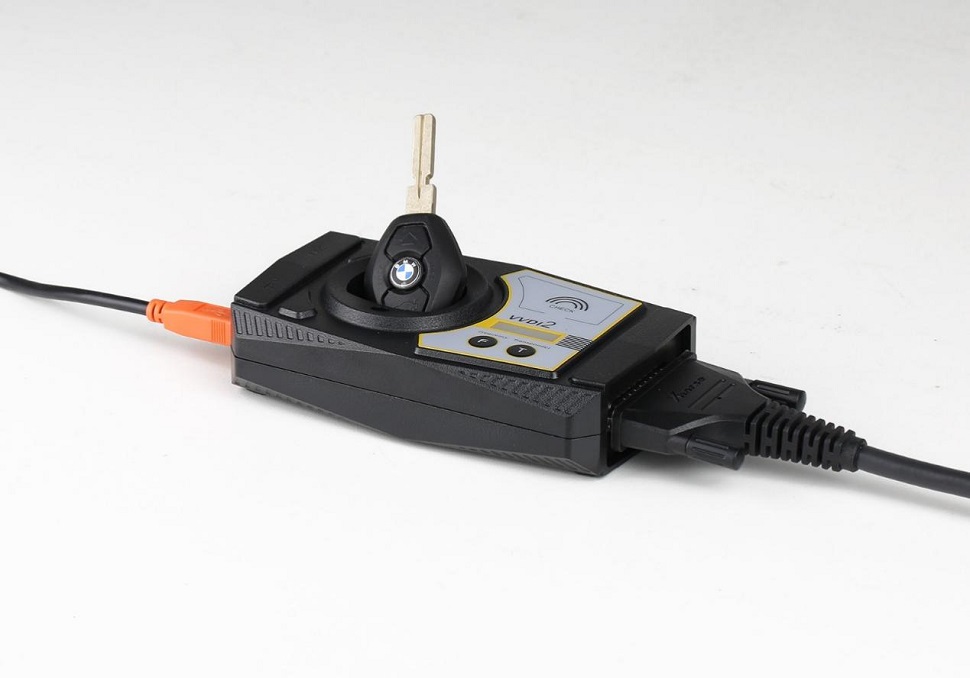
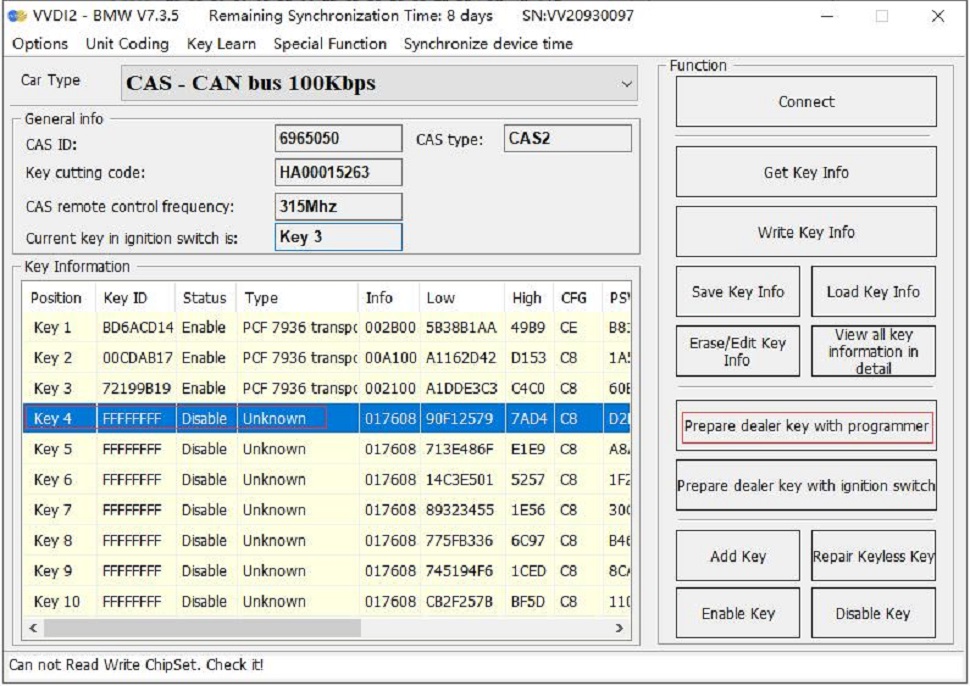
5. After programming the dealer key, place the key into the GODIAG BMW CAS1/CAS2 Mech-Key Test Platform sensor port for testing. For test steps, please refer to module and key synchronization detection. If the new key detection is out of sync, please synchronize CAS and DME or synchronize CAS and ELV. Reconnect the device and module and press the button "Check the start switch". If the IMMO light cannot light up, enter the VVDI2 menu "Key Learn — CAS/EWS Information — Connect — Synch DME-CAS or Synch CAS-ELV" for synchronization operation.
[When performing synchronization, the key must be placed in the key sensing programming area of the VVDI2 device.]
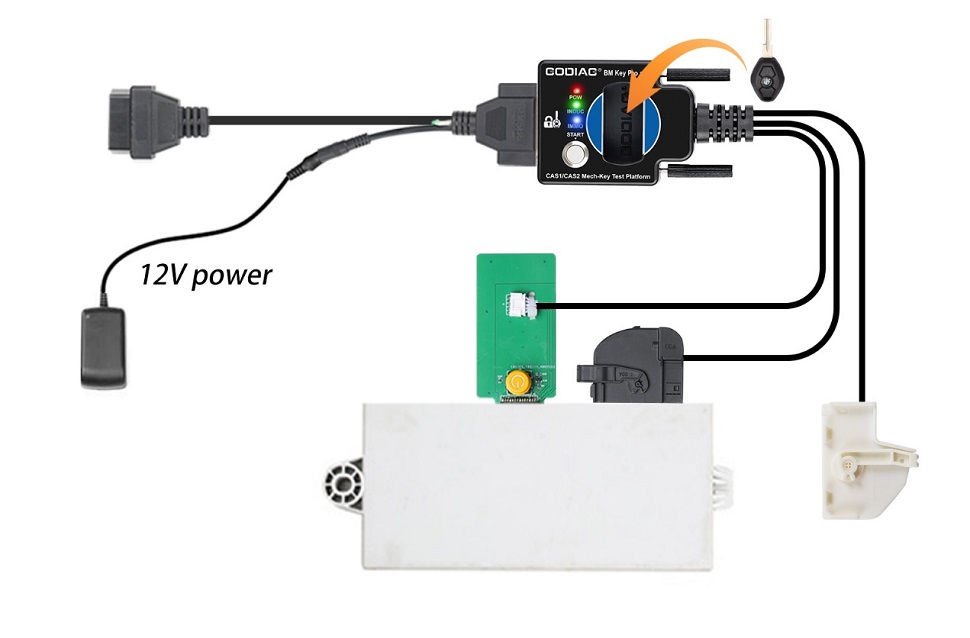
The following uses the Xhorse VVDI2 device to perform the BMW CAS1 key programming and matching operation:
1. Connect the CAS1 module and the key programming diagnostic device according to the connection diagram. Press the START switch on the GODIAG BMW CAS1/CAS2 Mech-Key Test Platform and the POW indicator light will light up, indicating that the test platform has output power. The indicator light on the CAS1 mode will also light up.
[Please use 12V 2.5A power supply, otherwise it will not be able to drive the CAS1 module]
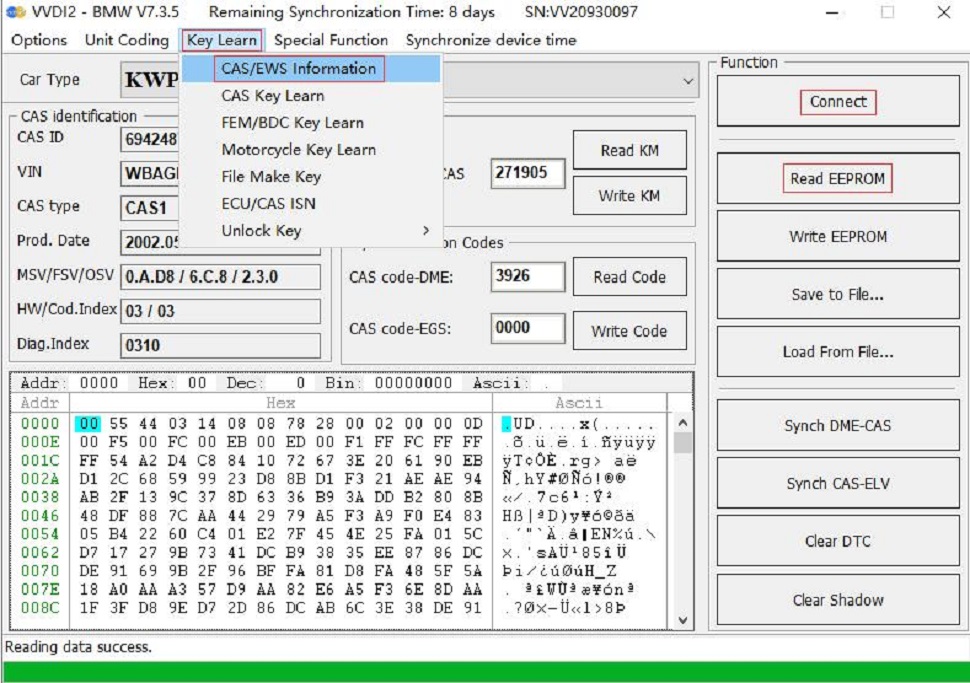
2. Select "key learn — CAS/EWS Information — Connect — Read EEPROM". [Be careful not to insert the key. If the data cannot be read, please reconnect and turn on the platform power.]
[Note: Do not perform a synchronization test between the key and the CAS1 module, otherwise the connection or data reading will not be possible. If a synchronization test is performed, please disconnect the power.]
Save to File...
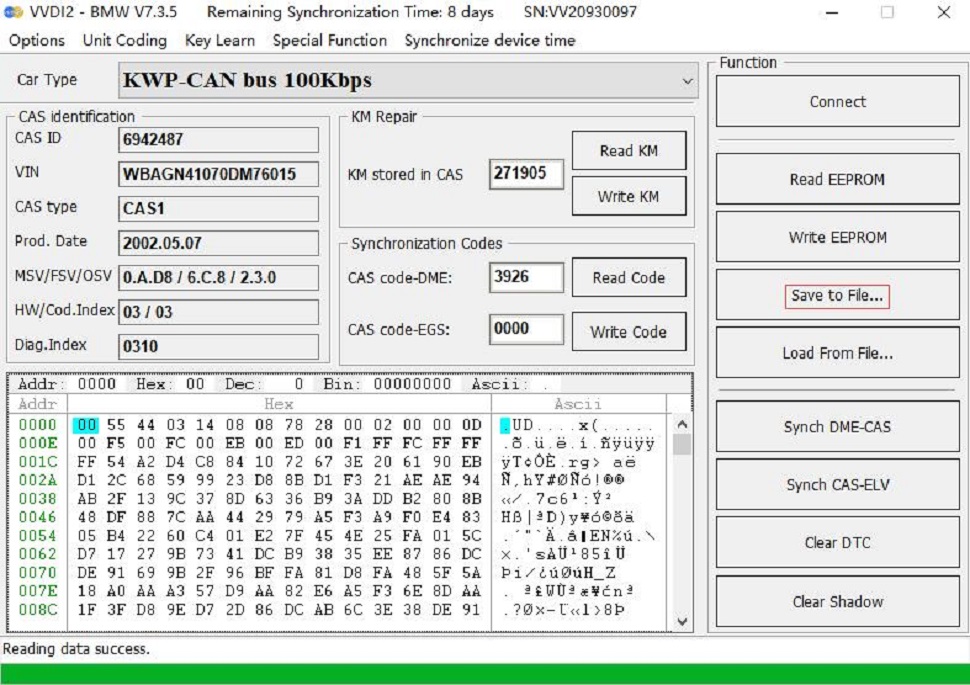
If you want to read the CAS mileage or modify the CAS mileage, please operate the corresponding menu“Read KM”.
It can also read CAS code-DME.
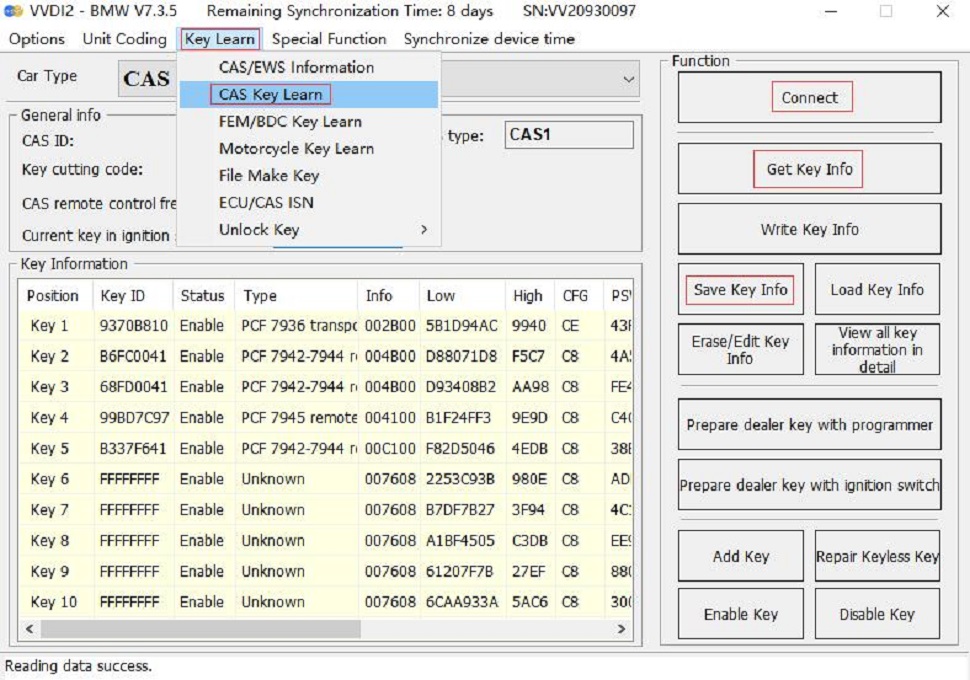
3. Key programming steps: select “key learn—CAS Key Learn----Connect”. Select “Get Key Info” and “Save Key Info”.
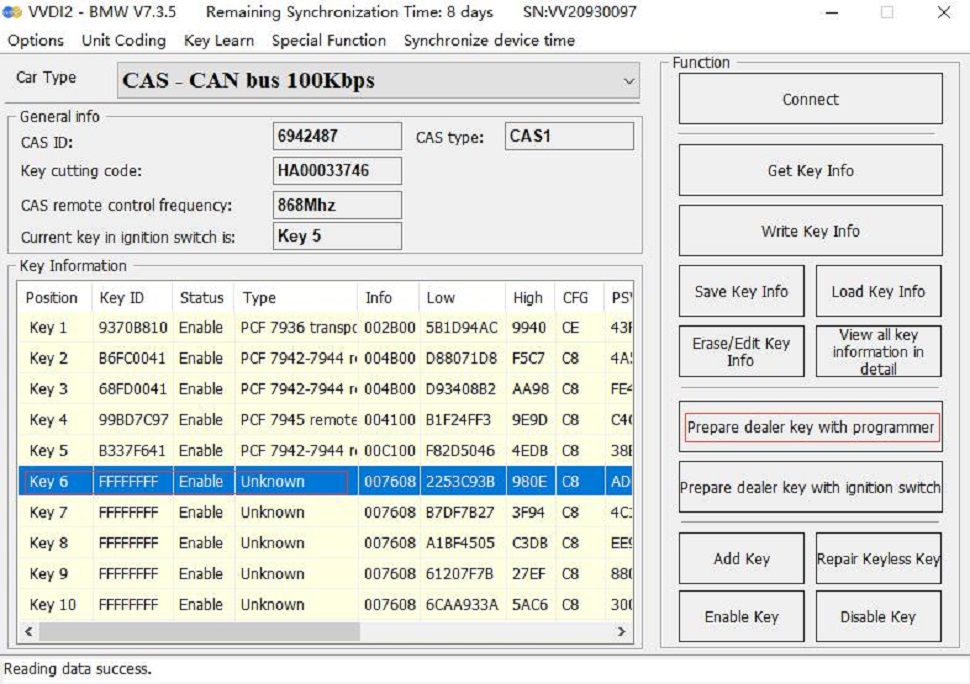
4. Select an unused key position, be sure to select the “prepare dealer key with programmer” menu, and use the VVDI2 key programmer to generate the key.
[Because the CAS1 module key identification socket or GODIAG BMW CAS1/CAS2 Mech-Key Test Platform key sensor cannot generate dealer keys.]
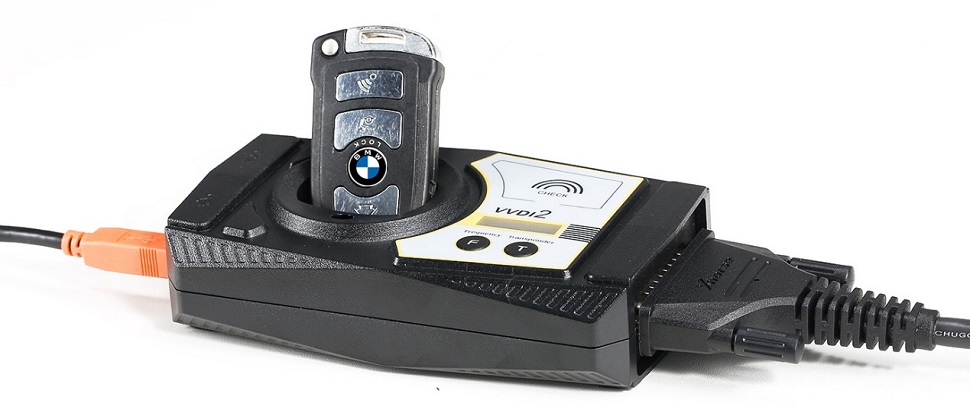
5. After the dealer key is successfully programmed, place the key into the CAS1 module key module socket for testing. For test steps, please refer to the CAS1 module and key synchronization detection steps.
If the IMMO light cannot light up, enter the VVDI2 menu “Key Learn—CAS/EWS Information—Connect—Synch DME-CAS or Synch CAS-ELV” for synchronization. [When performing synchronization, the key must be placed in the VVDI2 device key sensing area.]
Package Includes:
1pc × GODIAG BMW CAS1/CAS2 Mech-Key Test Platform
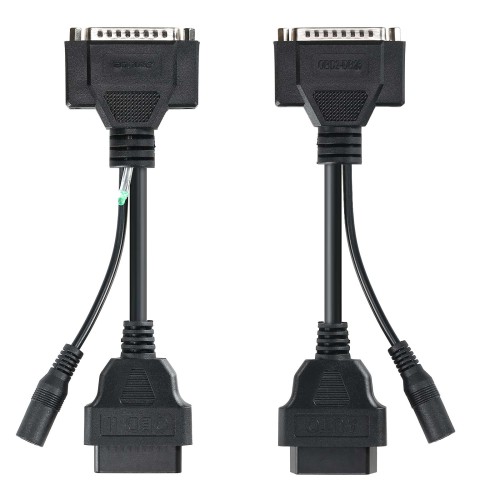
1pc x OBD2 to DB25 Cable
No reviews yet.
GODIAG GT100 PLUS GPT ENET DOIP 24V-12V AUTO TOOLS OBD II Break Out Box ECU Connector
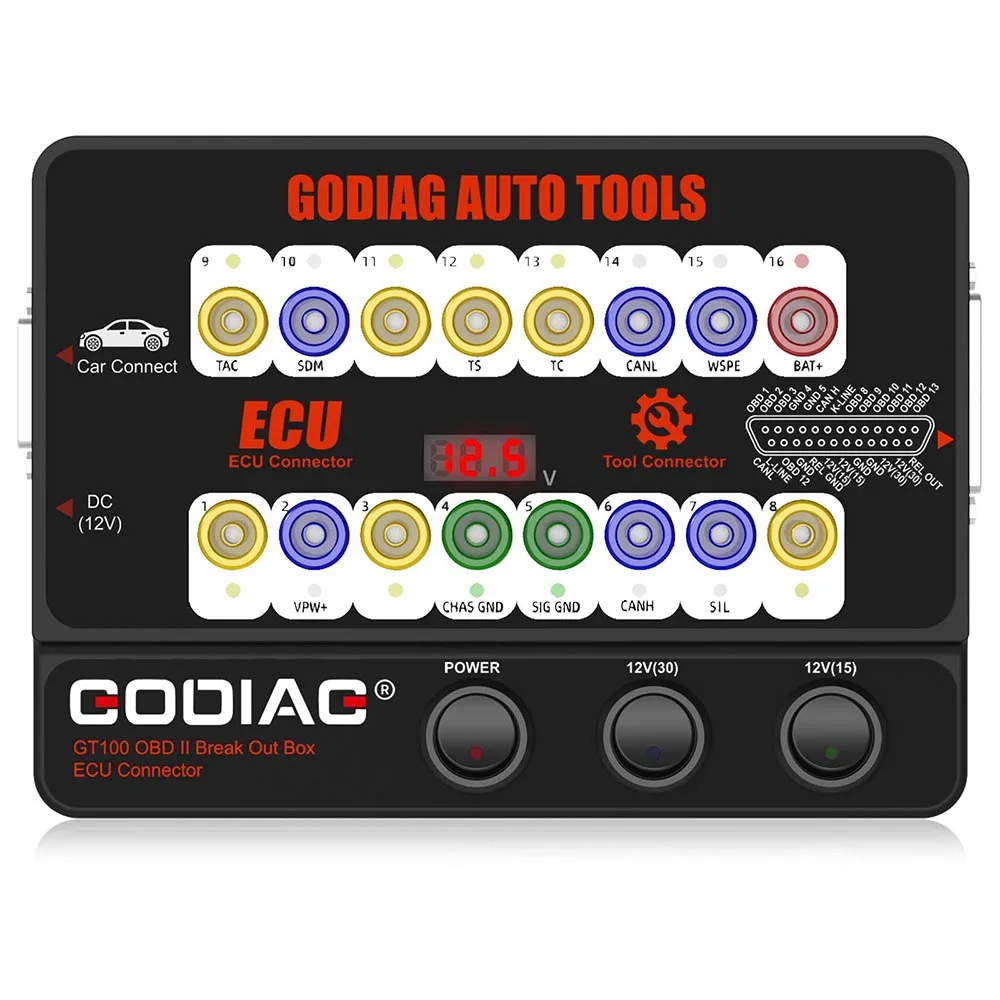
GODIAG GT100 OBDII Protocol Detector OBD2 Break Out Box ECU Connector
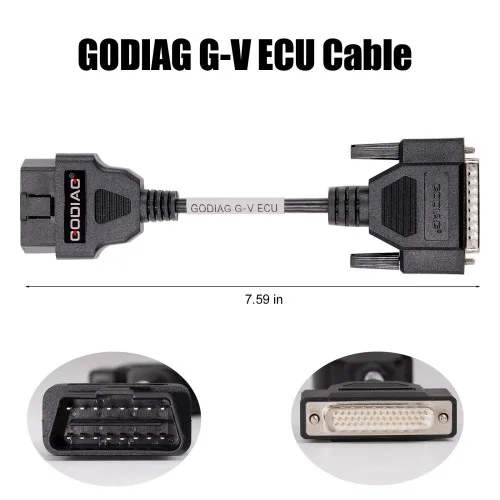
G-V ECU Cable for Read & Write ECU via Bench Model for Gearbox Data Read/Write work with Xhorse MULTI PROG, Godiag GT107, GPT BENCH BOOT AD
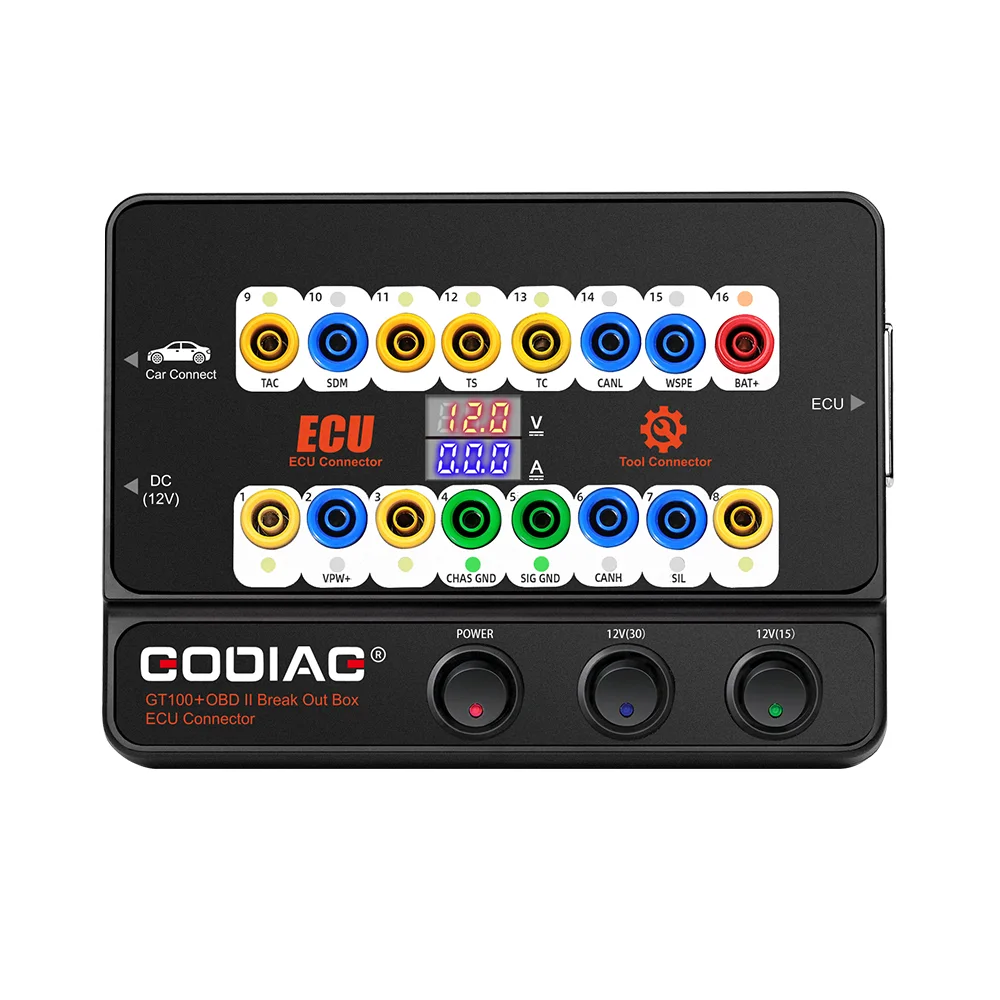
GT100+ New Generation OBDII Break Out Box ECU Bench Connector with Electronic Current Display and CANBUS Protocol
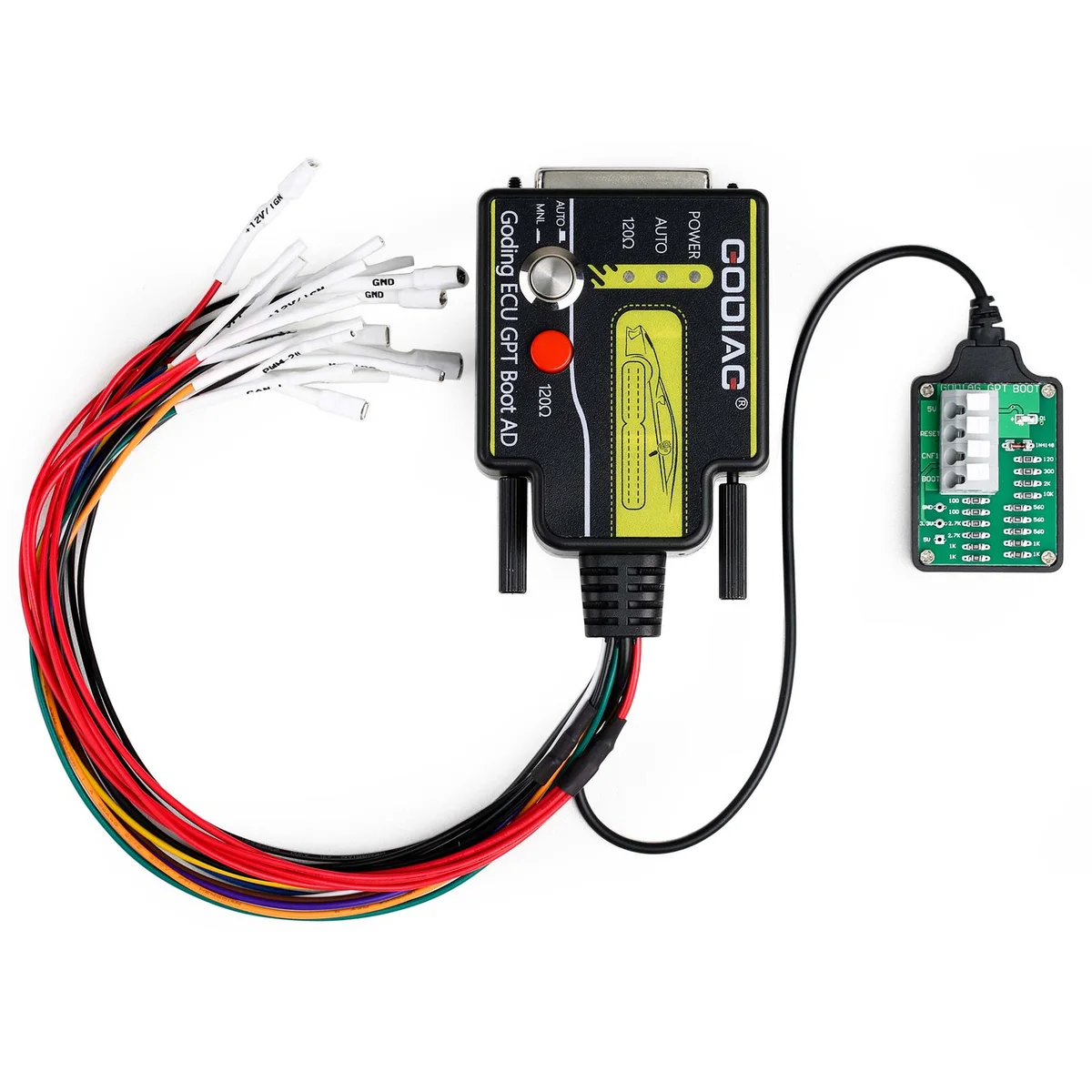
ECU GPT Boot AD ECU Connector for ECU Reading Writing No Need Disassembly Compatible J2534/ Openport/ PCMFlash/ foxFlash/CG FC200
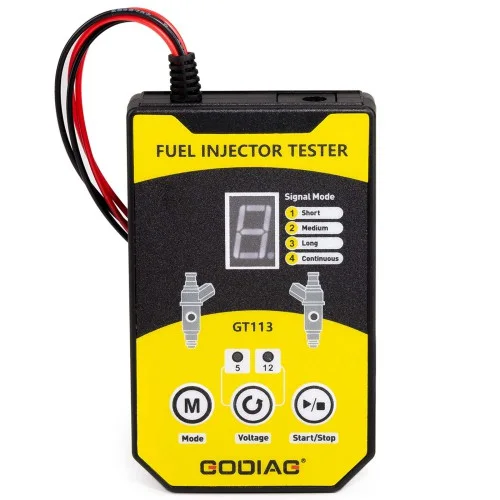
GT113 Universal Fuel Injector Tester Fuel Injector Cleaner Kit with 6 Sizes of Adapters 8 Pulse Modes for Cars, Motorcycle
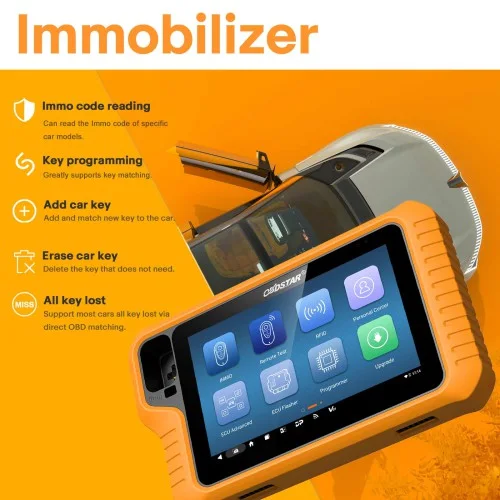
2026 OBDSTAR X300 Classic G3 Key Programmer with Built-in CAN FD DoIP Support Car/ HD/ E-Car/ Motorcycles/ Jet Ski Get Free Key Sim and Motor Adapters
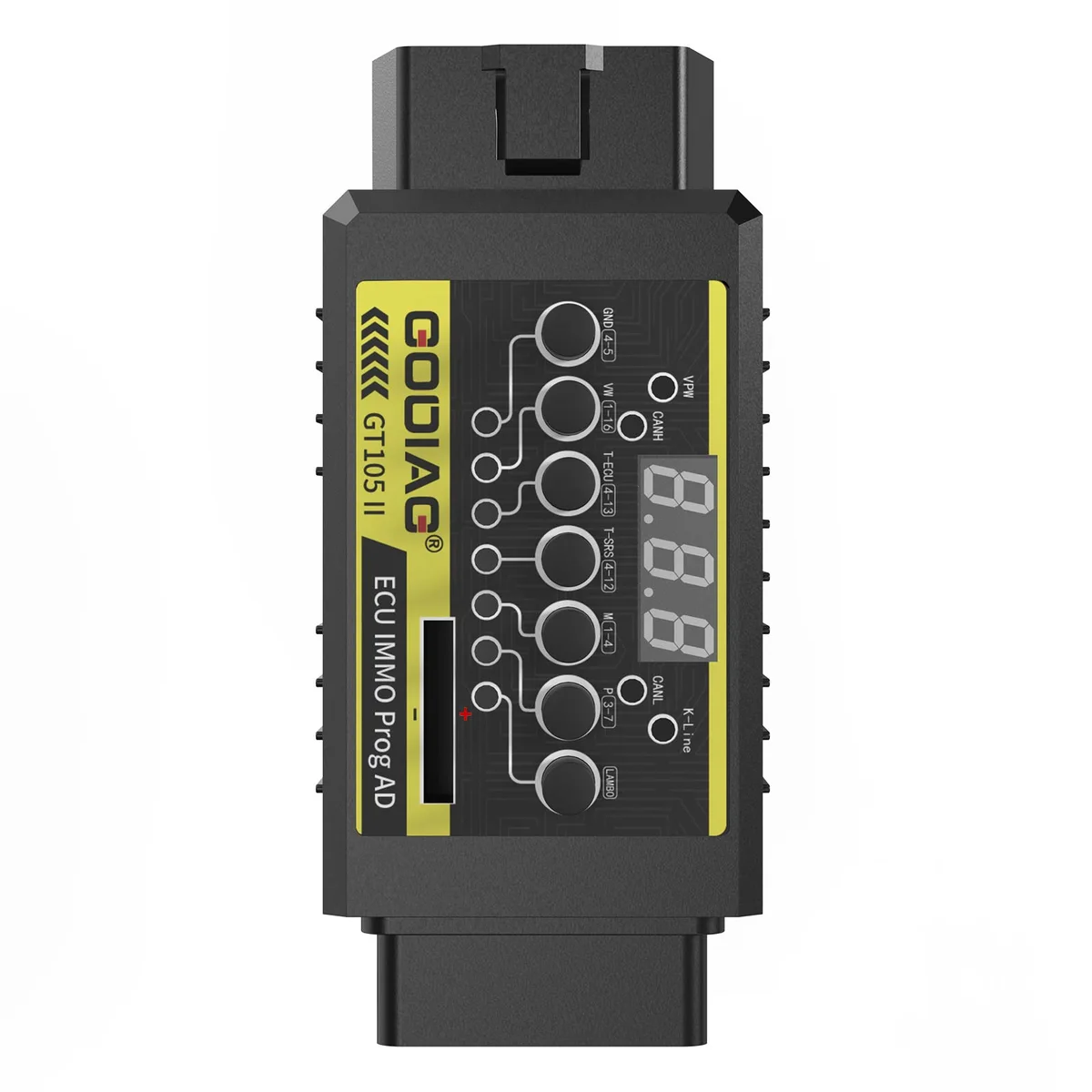
GT105 II ECU IMMO Prog AD OBD2 Break Out Box ECU Connector Display Vehicle Voltage Car Battery Voltage Lower Than 11V Alarm Prompt
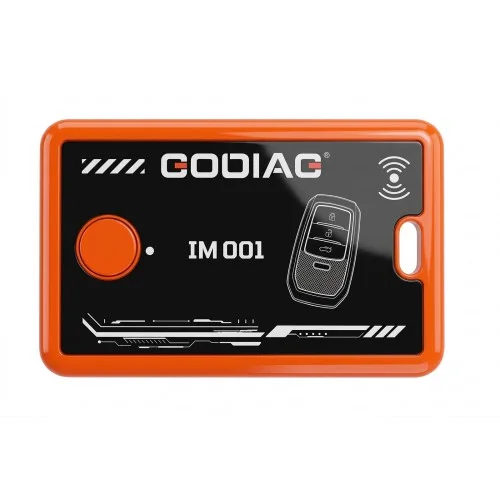
GODIAG IM001 Locked Key Reuse Tool for Toyota/Lexus Support 4A-AA BA
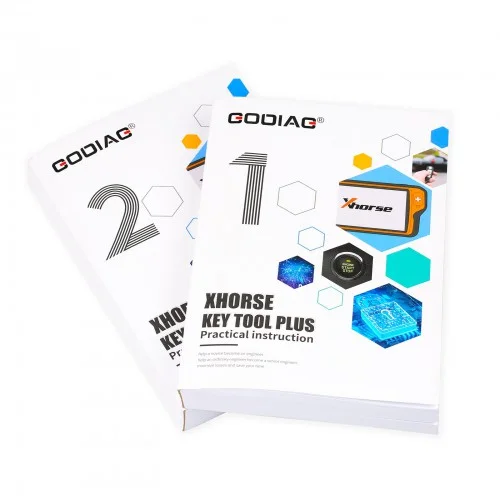
Key Tool Plus Practical Instruction 1&2 Two Books for Locksmith and Vehicle Maintenance Engineer
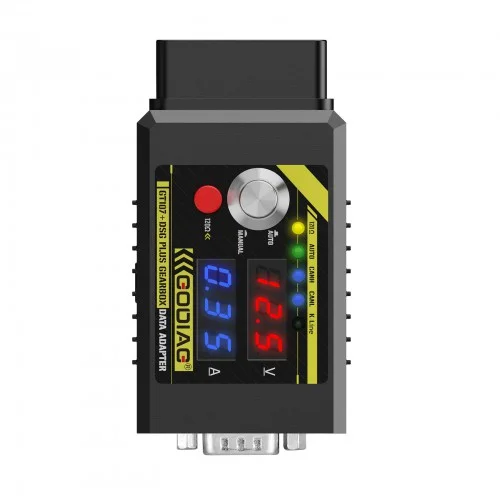
GT107+ DSG Plus Gearbox Data Adapter with Voltage Current Display For DQ250 DQ200 VL381 VL300 DQ500 DL501 Benz BMW
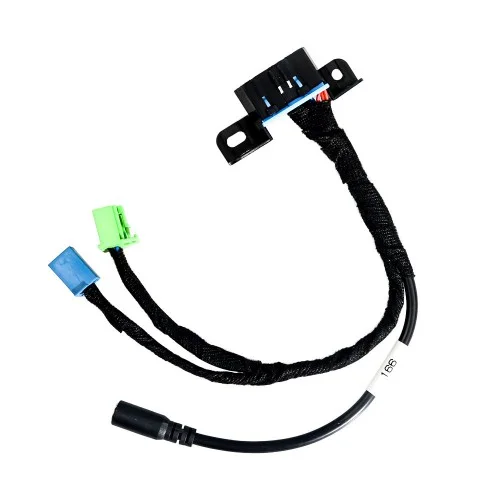
EIS/ELV Test Line for Mercedes Works Together with Godiag GT100 OBDII Protocol Detector OBD2/ VVDI BGA Tool