

EU Ship
GT100 PLUS GPT
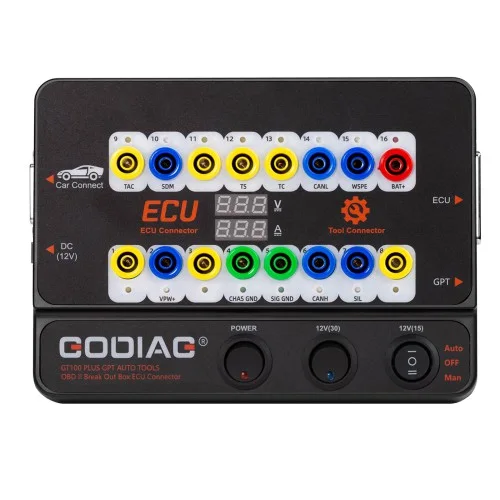
GODIAG GT100 PLUS GPT ENET DOIP 24V-12V AUTO TOOLS OBD II Break Out Box ECU Connector
$129.00
In stockNo reviews yet
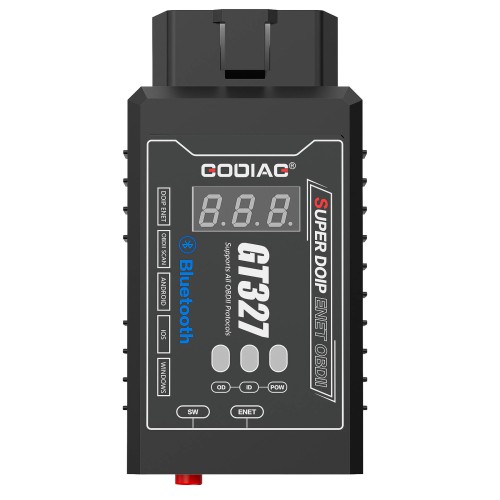
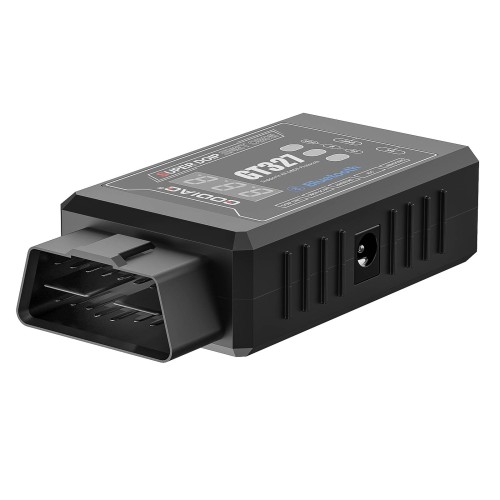
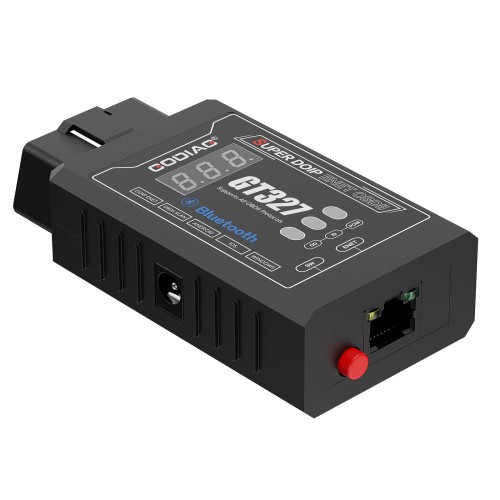
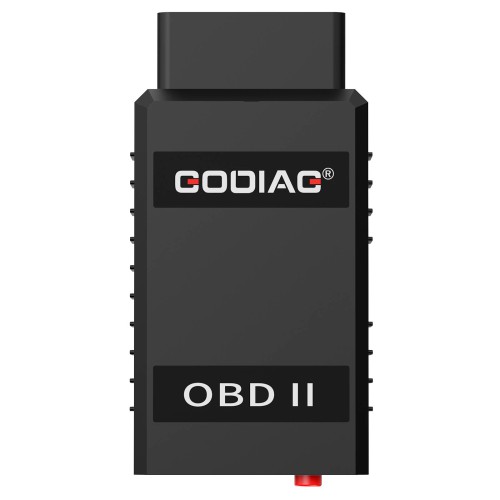
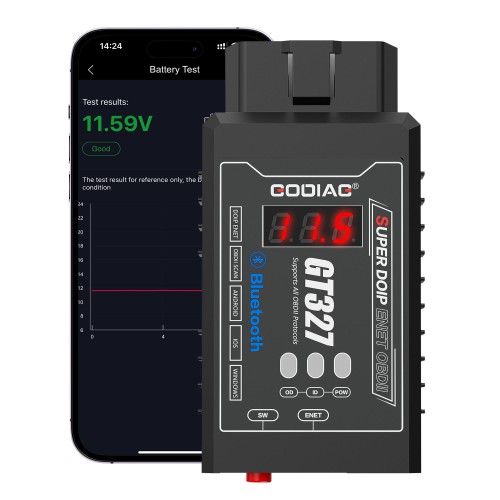
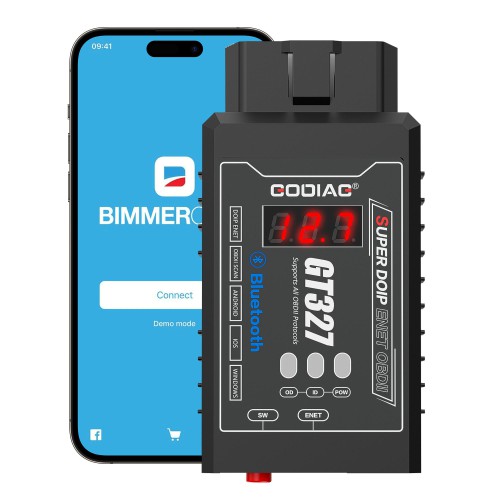
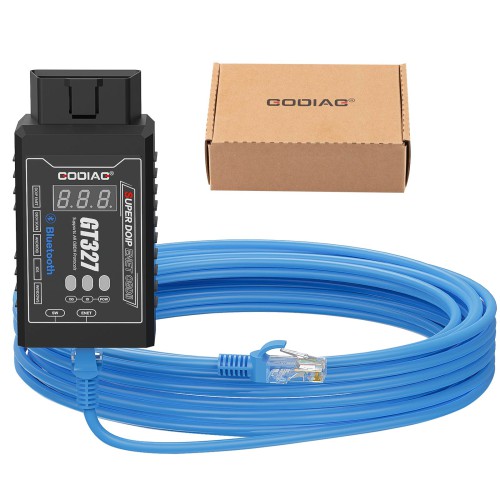
1) DOIP & ENET Support – Enables diagnostic programming and coding for BMW, Benz, VW, Audi, Land Rover, Volvo, and more via Ethernet cable.
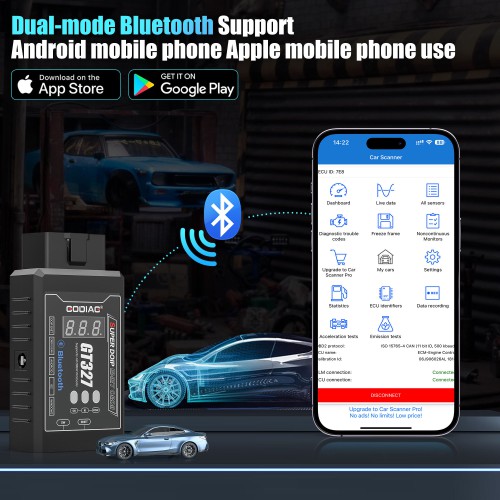
2) Bluetooth 4.0 Wireless – Connects to iOS, Android, and Windows devices for cable-free OBDII diagnostics.
3) ELM327 v1.5 Full Protocol – Supports all 10 standard OBDII protocols including J1850, ISO9141, KWP, CAN, and DOIP ENET.
4) Voltage Display & Low-Voltage Alarm – Monitors vehicle battery health; alerts when voltage drops below 11V to prevent electrical issues.
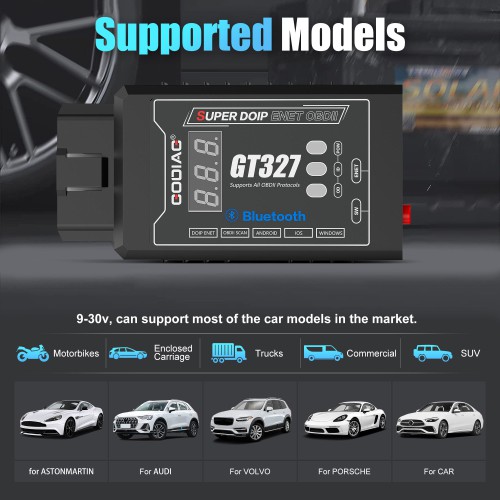
5) Broad Vehicle Coverage – Works on 9-30V motorcycles, cars, trucks, commercial vehicles, and SUVs.
6) Wide App Compatibility – Works with Torque, CarScanner, BimmerCode, BMW E-SYS, ISTA, ODIS-E, and more.
7) Dual Connection Modes – Bluetooth for mobile diagnostics; Ethernet for DOIP/ENET computer-based programming.
8) Complete Package – Includes GT327 host, 3-meter ENET Ethernet cable, and PDF manual.
Support diagnostic programming coding for vehicles with DOIP ENET communication.
Support 9-30v motorcycles, cars, trucks, commercial vehicles and SUVs.
Support iOS/ Android/ Windows.
With Voltage Display.
GODIAG GT327 SUPER ELM327v1.5 Bluetooth 4.0 OBDII Scanner Support DOIP ENET with Voltage Display for iOS/ Android/ Windows
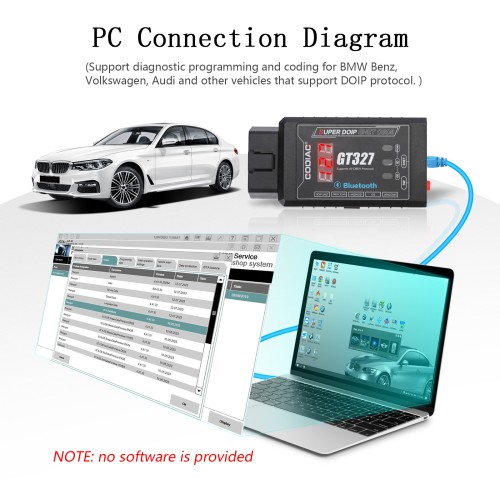
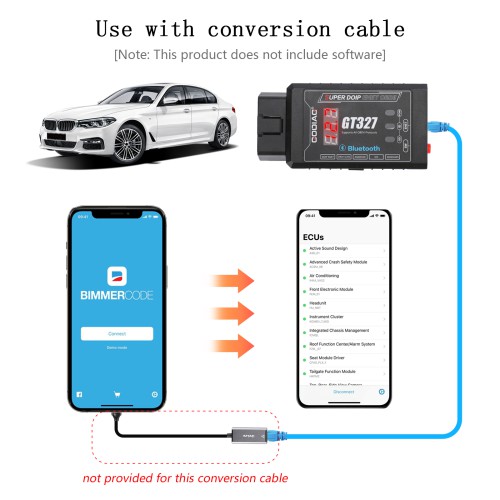
GODIAG GT327 SUPER DOIP ENET OBDII ELM327v1.5 full scanner with Bluetooth 4.0 is specially developed for car maintenance technicians and DIY maintenance personnel. The product supports Android and iPhones to connect to the device via Bluetooth for car OBDII diagnosis. It can also be connected to a computer via an Ethernet cable, and used with DOIP and ENET vehicle-specific diagnostic software to perform diagnostic programming and coding operations.
GODIAG GT327 Features:
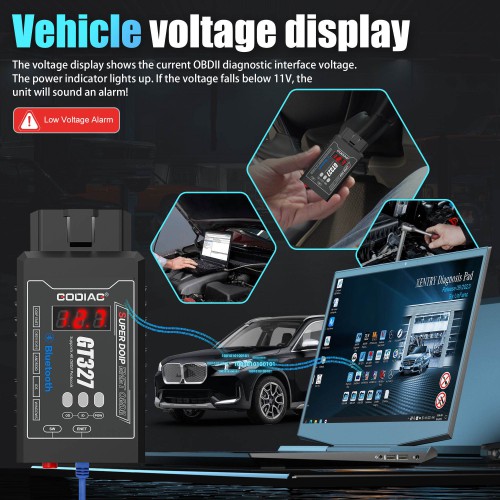
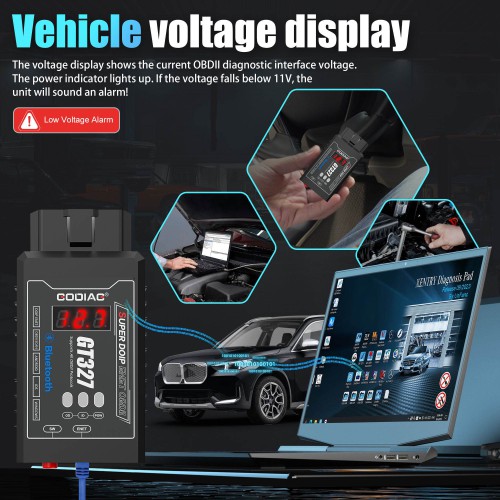
1. Display the Current Vehicle Diagnostic Interface Voltage – Helps monitor the health of your vehicle's battery and electrical system.
2. Alarm when the vehicle voltage is lower than 11V – Alerts you to potentially harmful low voltage conditions, suggesting when to charge the battery.
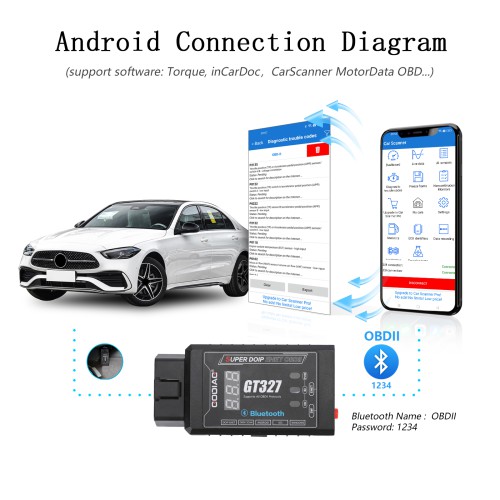
3. Support Android phones [Bluetooth name: OBD II] – Easily connect for diagnostics using Android devices.
4. Support iPhones [Bluetooth name: OBD BLE] – Facilitates diagnostics on iOS devices.
5. Support diagnostic programming coding for vehicles with DOIP ENET communication – Enhances capabilities for advanced vehicle systems.
6. Supports 9-30v motorcycles, cars, trucks, commercial vehicles, and SUVs – Broad vehicle compatibility.
7. Works on ProMasters Only Phone App.

GODIAG GT327 Functions:
GODIAG GT327 SUPER DOIP ENET OBDII ELM327v1.5 Full Scanner Wireless Bluetooth communications support standard OBD II vehicle diagnostics.
1. Standard OBD II Vehicle Diagnostics – Read and clear diagnostic trouble codes, view live data.
2. DOIP ENET Support – For programming, coding, and advanced diagnostics on vehicles supporting these protocols.
3. Bluetooth Communication – For mobile diagnostics.
4. Ethernet Connection – For specialized diagnostic software for DOIP and ENET.
GODIAG GT327 Supported Software's
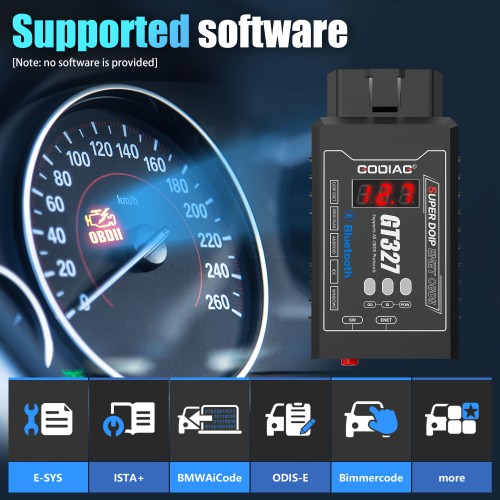
BMW E-SYS, BMW ISTA+, BMW AI CODER, VAG ODIS-E, BimmerCode for BMW and MINI, And Much More...
Note: This product does not include software.

Supported Protocols:
1. SAE J1850 PWM (41.6Kbaud)
2. SAE J1850 VPW (10.4Kbaud)
3. ISO9141-2 (5 baud init, 10.4 Kbaud)
4. ISO14230-4 KWP (5 baud init, 10.4 Kbaud)
5. ISO14230-4 KWP (fast init, 10.4 Kbaud)
6. ISO15765-4 CAN (11bit ID, 500 Kbaud)
7. ISO15765-4 CAN (29bit ID, 500 Kbaud)
8. ISO15765-4 CAN (11bit ID, 250 Kbaud)
9. ISO15765-4 CAN (29bit ID, 250 Kbaud)
10. DOIP ENET (supported by Ethernet cable connection)


Android Phone Bluetooth Communication Diagnostic Function and Usage Steps:
Android phone supported software: Torque, inCarDoc, CarScanner, MotorData OBD, DashCommand, OBD Car Doctor, Auto Doctor, MiniOBDI, EOBD, ProMasters Only Phone App...etc.
〖This device only supports Bluetooth. Please note that WiFi or dedicated device software cannot be used with this device when downloading and purchasing software.〗

Steps:
A. Download and install the diagnostic software on your mobile phone (Torque, CarScanner, MotorData OBD are recommended). The DOIP ENET switch of the device pops up and is in the off state. Do not connect the Ethernet cable 〖The Ethernet cable can only be used for DOIP ENET computer-specific software.〗
B. The device is connected to the vehicle diagnostic interface, and the voltage display screen shows the current OBDII diagnostic interface voltage. The power indicator light is on. If the voltage is lower than 11V, the device will sound an alarm and the user needs to charge the car battery with a dedicated car battery charger.
C. Open the phone settings – turn on Bluetooth – search Bluetooth – select the Bluetooth name [OBD II] and the password is 1234 or 0000 – enter the software after successful matching.
D. For software settings, please refer to the recommended software matching settings video.〖Note: The settings for different software are also different.〗
iPhone Bluetooth Communication Diagnostic Function and Usage Steps:
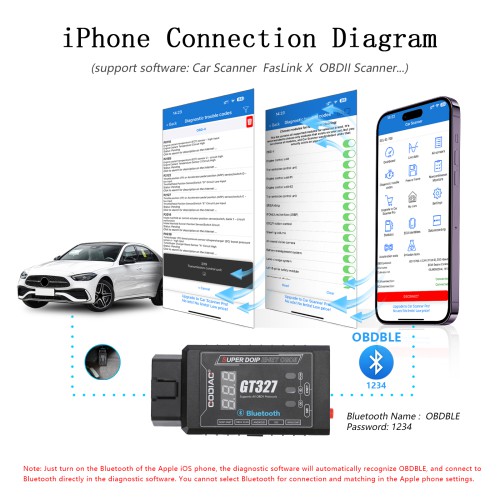
iPhone supported software: free software Car Scanner, FasLink X, OBDII Scanner ELM327 and many paid software, etc.
〖This device only supports Bluetooth. Please note that WiFi or dedicated device software cannot be used with this device when downloading and purchasing software.〗

Steps:
A. Download and install diagnostic software on your iPhone (CarScanner and FasLink X are recommended). The DOIP ENET switch of the device pops up and is in the off state. Do not connect the Ethernet cable 〖The Ethernet cable can only be used for DOIP ENET computer-specific software.〗
B. The device is connected to the vehicle diagnostic interface, and the voltage display screen shows the current OBDII diagnostic interface voltage. The power indicator light is on. If the voltage is lower than 11V, the device will sound an alarm and the user needs to charge the car battery with a dedicated car battery charger.
C. Open the phone settings – turn on Bluetooth (Note: iPhones cannot select Bluetooth for connection and matching in the phone settings).
D. Open the settings of the software on the iPhone, select the OBDBLE Bluetooth name and the password is 1234 or 0000. Refer to the recommended software matching settings video.〖Note: The settings for different software are also different.〗
SUPER DOIP ENET Connection to Computer for Use:

It supports diagnostic programming and coding for BMW, Benz, Volkswagen, Audi and other vehicles that support DOIP protocol. [no software is provided.]
It can be used for diagnostic programming and coding of Land Rover, Bentley, Lamborghini, JAGUAR, VOLVO, and Geely vehicles that support DOIP communication. [no software is provided.]
SUPER DOIP ENET Connection to Mobile Phone for Use:

Note: DOIP ENET vehicle diagnostics can only be connected via an Ethernet cable.
GODIAG GT327 SUPER DOIP Scanner Frequently Asked Questions:
Q: What is the GODIAG GT327 SUPER ELM327v1.5 Bluetooth 4.0 OBDII Scanner?
A: It is a versatile diagnostic tool designed to interface with a vehicle's onboard diagnostic system. It reads trouble codes, monitors real-time vehicle parameters, and supports advanced functions like DOIP and ENET protocols for programming and coding.
Q: What platforms is the GODIAG GT327 compatible with?
A: The scanner works with iOS, Android, and Windows devices, offering broad compatibility for mobile diagnostics and computer-based software.
Q: Does the GODIAG GT327 come with diagnostic software?
A: No, the device does not include software. However, it is compatible with various third-party apps like Torque, CarScanner, BMW E-SYS, and others, which can be downloaded separately.
Q: How do I connect the GODIAG GT327 to an Android device?
A: Download a compatible app (e.g., Torque, CarScanner). Insert the device into the vehicle's OBDII port. Turn on Bluetooth and pair with "OBD II" using the password 1234 or 0000. Configure the app settings for diagnostics.
Q: How do I connect the GODIAG GT327 to an iPhone?
A: Download a compatible app (e.g., Car Scanner, FasLink X). Insert the device into the vehicle's OBDII port. Use the app to connect to "OBDBLE." Configure the app settings for diagnostics.
Q: How do I use the DOIP/ENET function with a computer?
A: Connect the device to your computer using the provided Ethernet cable. Install vehicle-specific diagnostic software that supports DOIP/ENET (e.g., BMW E-SYS, VAG ODIS-E). Perform advanced diagnostics, programming, or coding.
Package Includes:
1pc x GODIAG GT327 SUPER DOIP ENET OBDII host
1pc x ENET Ethernet cable (3 meters long)
1pc x PDF manual
No reviews yet.
GODIAG GT100 PLUS GPT ENET DOIP 24V-12V AUTO TOOLS OBD II Break Out Box ECU Connector
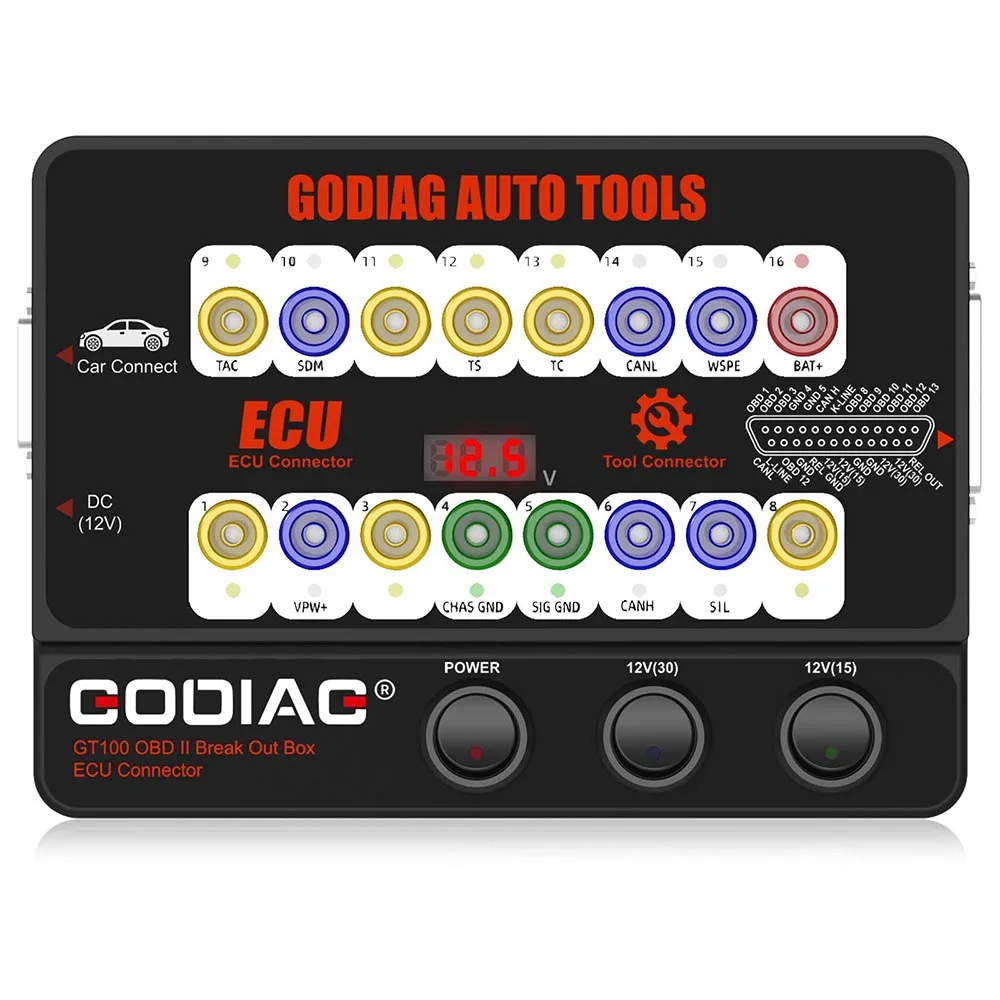
GODIAG GT100 OBDII Protocol Detector OBD2 Break Out Box ECU Connector
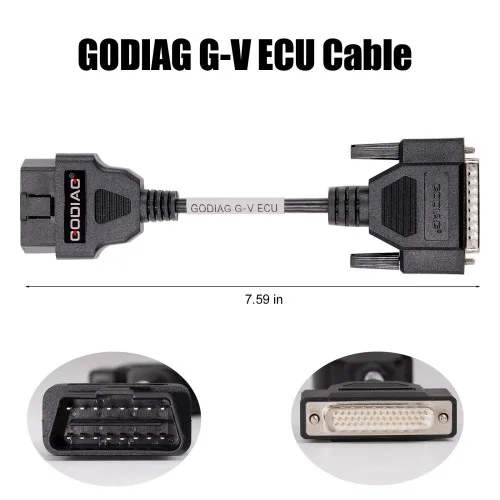
G-V ECU Cable for Read & Write ECU via Bench Model for Gearbox Data Read/Write work with Xhorse MULTI PROG, Godiag GT107, GPT BENCH BOOT AD
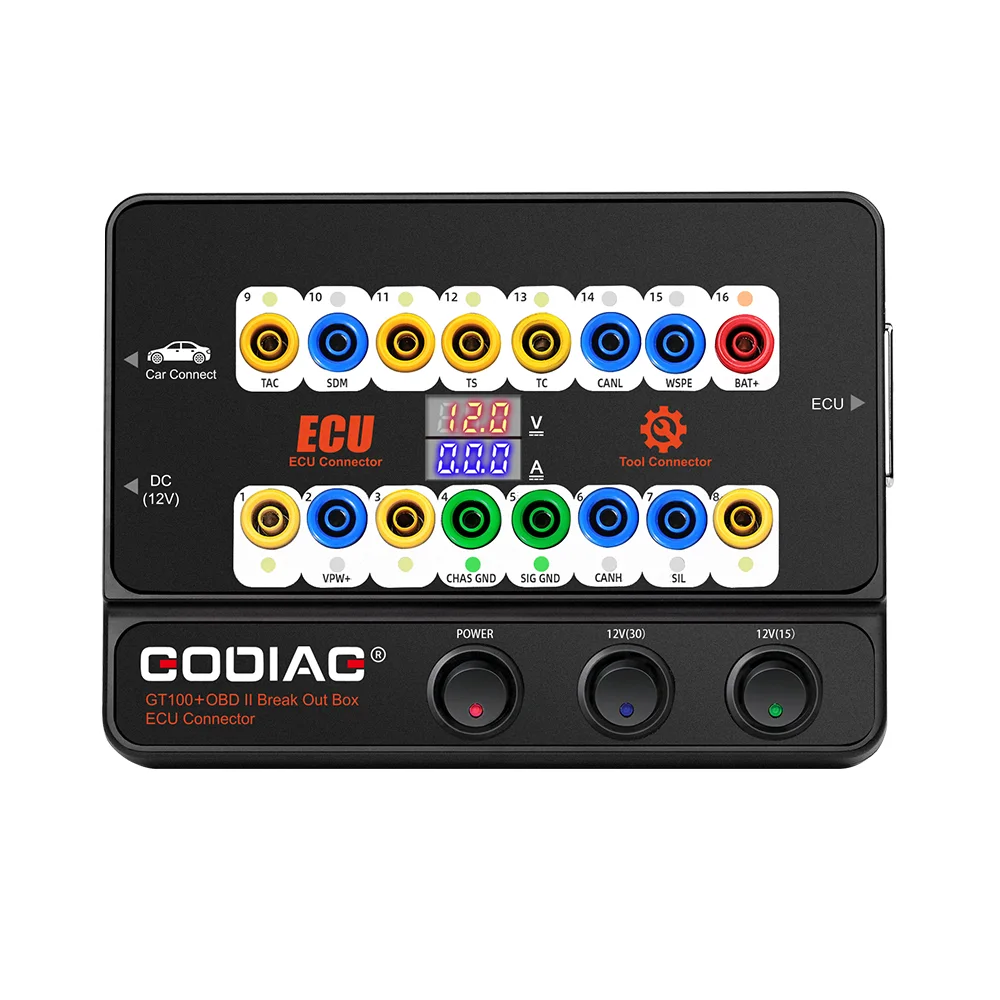
GT100+ New Generation OBDII Break Out Box ECU Bench Connector with Electronic Current Display and CANBUS Protocol
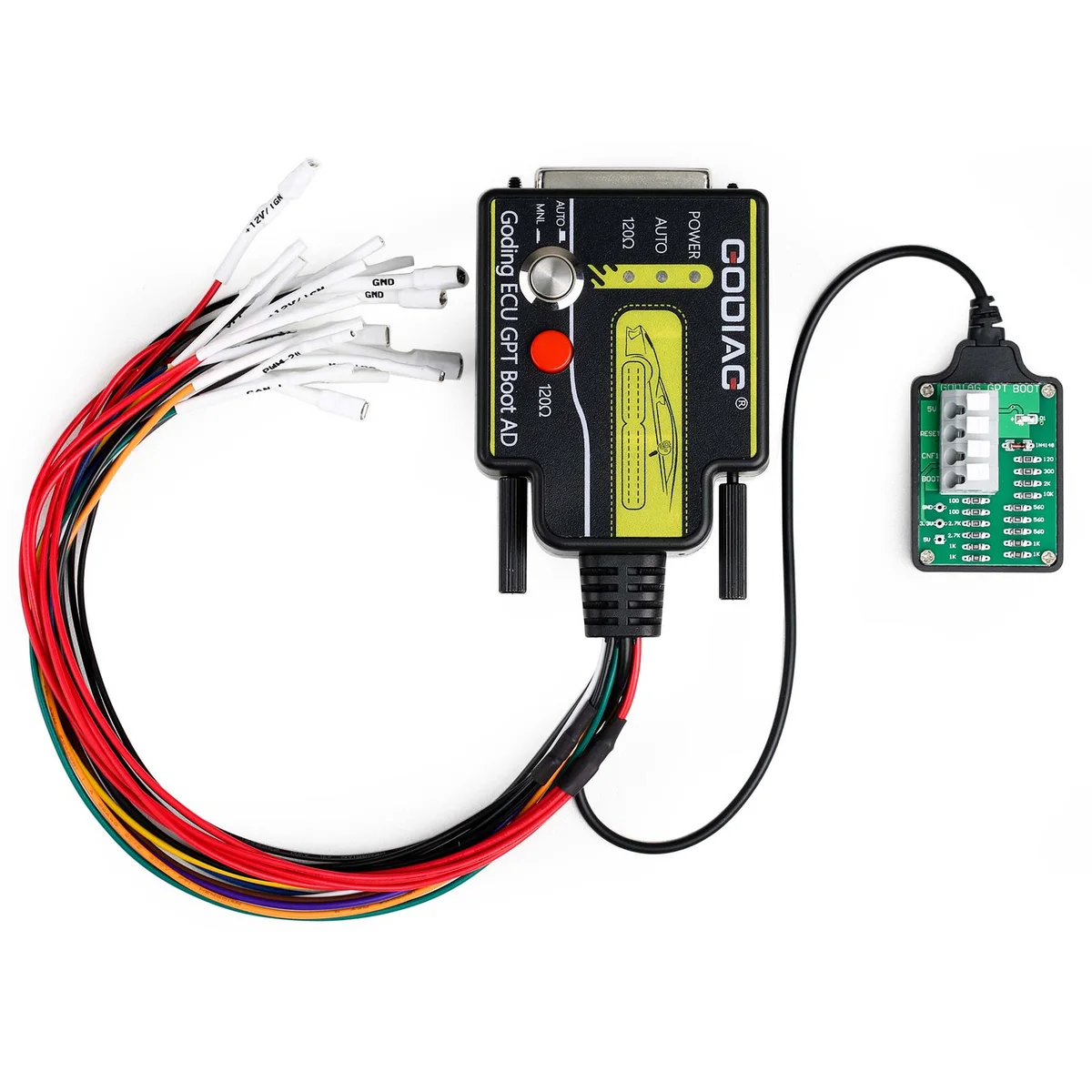
ECU GPT Boot AD ECU Connector for ECU Reading Writing No Need Disassembly Compatible J2534/ Openport/ PCMFlash/ foxFlash/CG FC200
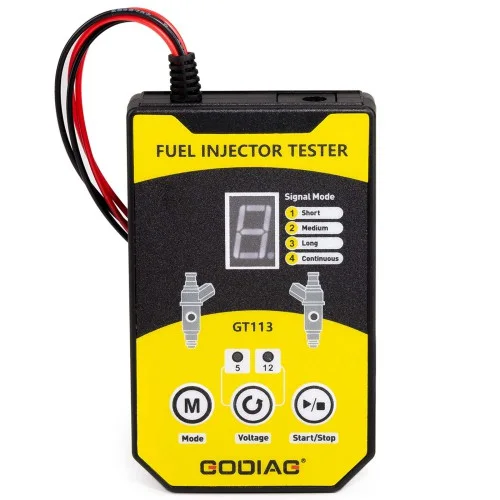
GT113 Universal Fuel Injector Tester Fuel Injector Cleaner Kit with 6 Sizes of Adapters 8 Pulse Modes for Cars, Motorcycle
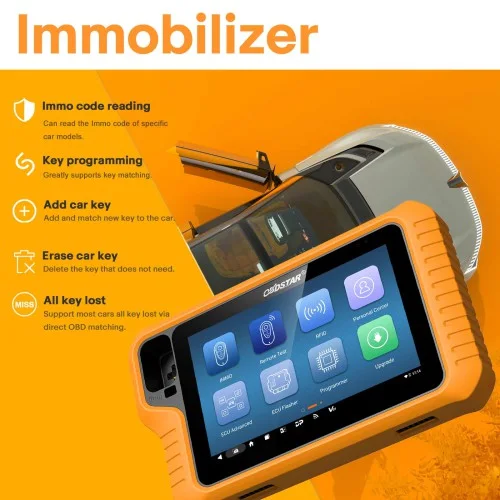
2026 OBDSTAR X300 Classic G3 Key Programmer with Built-in CAN FD DoIP Support Car/ HD/ E-Car/ Motorcycles/ Jet Ski Get Free Key Sim and Motor Adapters
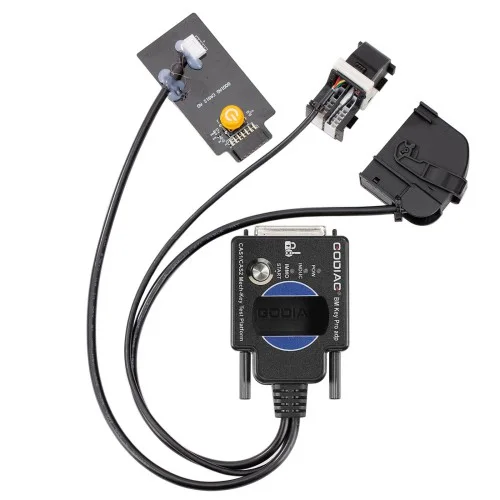
BMW CAS1/CAS2 Mech-Key Test Platform Detect CAS & Key Synchronization Solder-free Matching CAS Data Read, Write and Program
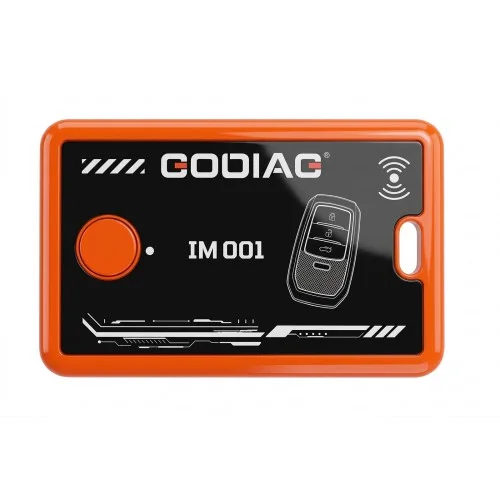
GODIAG IM001 Locked Key Reuse Tool for Toyota/Lexus Support 4A-AA BA
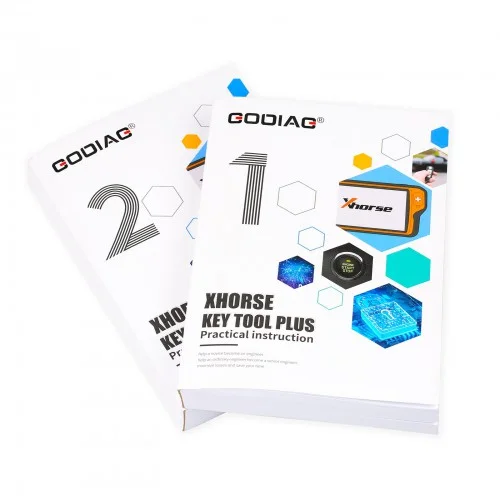
Key Tool Plus Practical Instruction 1&2 Two Books for Locksmith and Vehicle Maintenance Engineer
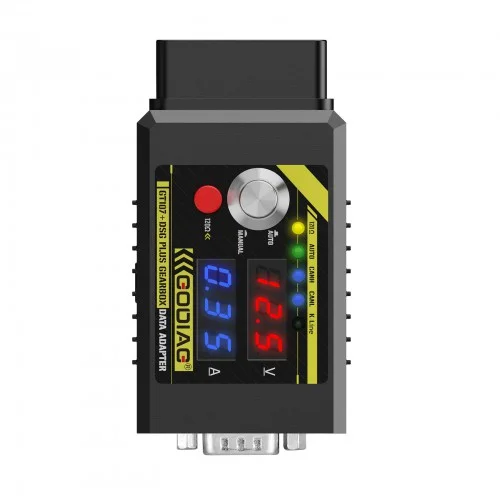
GT107+ DSG Plus Gearbox Data Adapter with Voltage Current Display For DQ250 DQ200 VL381 VL300 DQ500 DL501 Benz BMW
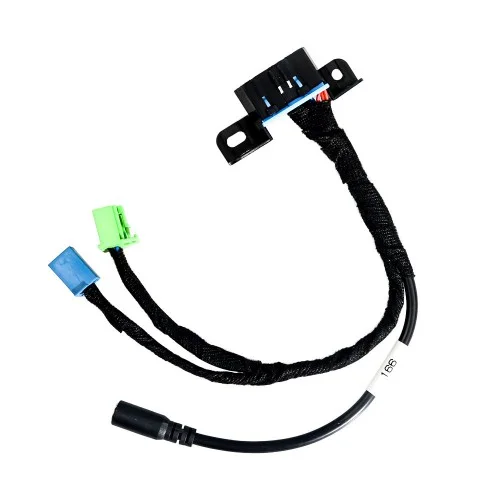
EIS/ELV Test Line for Mercedes Works Together with Godiag GT100 OBDII Protocol Detector OBD2/ VVDI BGA Tool